DIALux for Interior Lighting
Start your journey into interior lighting design, from beginner to advanced level
Buy the online course – 359 € Course Schedule (PDF) Teaching content Trainer Contact
With over 70 compact video tutorials, this course teaches you everything you need for professional indoor lighting design using DIALux. It’s tailored to both beginners and advanced users. Each video lasts between 2 and 7 minutes, allowing you to jump in based on your current needs and experience level. While the videos don’t have to be watched in order, we also provide a suggested path for those who want to learn the basics step by step.
This in-depth course covers all essential areas of the software: from creating rooms and entire buildings, to placing and arranging luminaires, using calculation objects and surfaces, and evaluating and documenting your results in detail. Beyond just software training, we share expert insights, workflows, and practical tips drawn from years of experience in lighting design seminars.
This is more than just a course – it’s a true asset for your daily project work. You’ll gain practical, professional knowledge you can immediately apply. All videos are available on our learning platform anytime – flexible, efficient, and to the point.
Price
359
EUR excl. VAT
Type
Online course
Duration
Individual time management
Procedure
7 modules with 70+ videos
Target group
Beginner and Advanced
Requirements
Download the latest DIALux version
Certificate
Yes, after completion
Contact
Mira Lück
+49 2351 5674 411
academy(at)dialux.com
Teaching Content
Module 1: Start
Get to know DIALux, explore the user interface, and learn how to adjust standards and general settings to prepare your software for professional lighting design.
5 Videos
Module 2: Construction
Learn how to build your project step by step – from importing plans and creating rooms to adding materials, furniture, and 3D objects for a realistic building model.
23 Videos
Module 3: Light
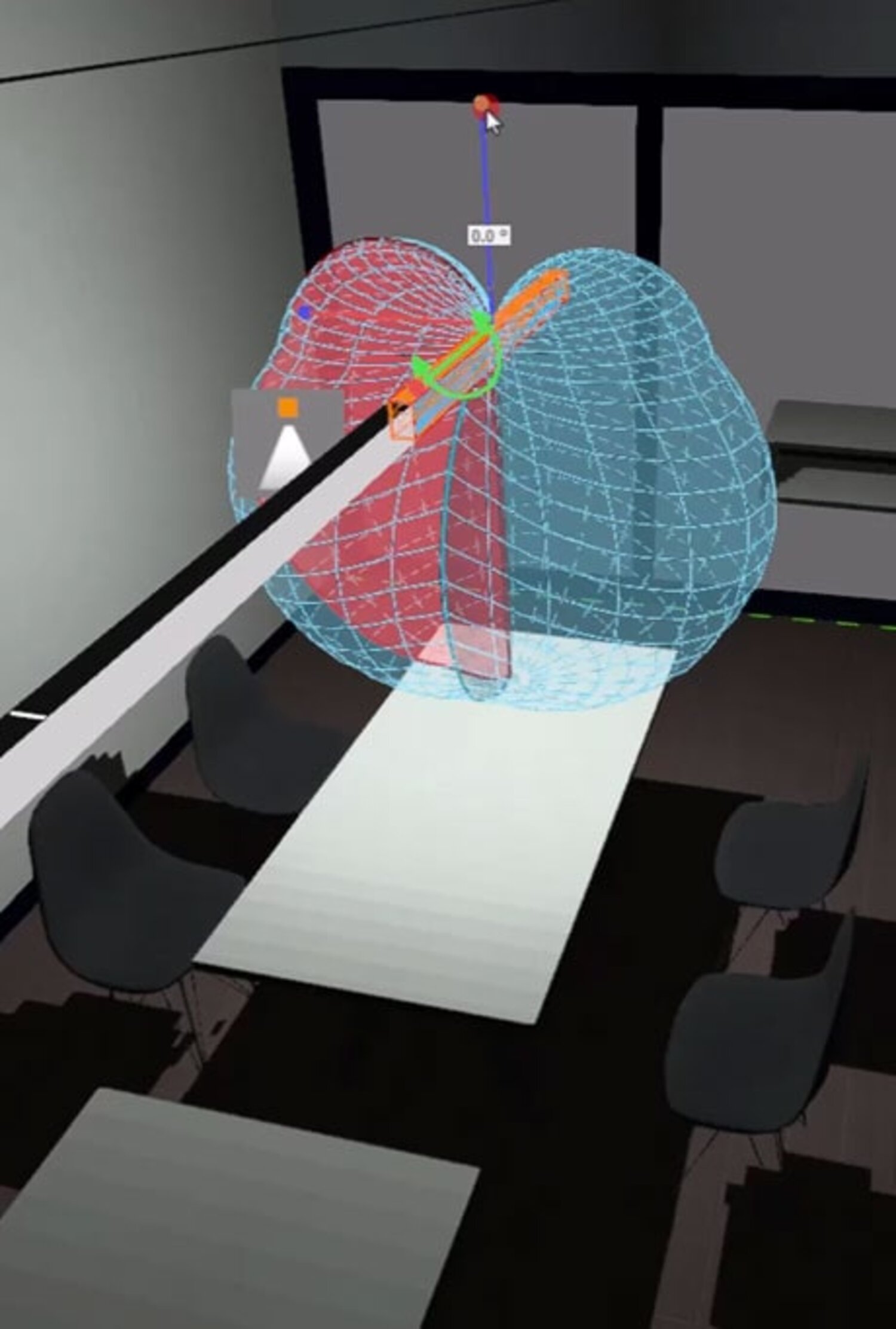
Discover how to select, arrange, and control luminaires in DIALux. Create lighting concepts, modify fixtures, and design flexible light scenes for your project.
18 Videos
Module 4: Calculation
Understand how to calculate and evaluate lighting results. Set up calculation objects, adjust parameters, and visualise outcomes with isolines and false colours.
12 Videos
Module 5: Documentation
Create professional reports for your lighting project. Customise layouts, manage content and export documentation in various formats for high-quality results.
5 Videos
Module 6: Export
Export your project efficiently – from high-quality renderings and project views to DWG and IFC files for presentations and interdisciplinary collaboration.
4 Videos
Module 7: General
Use helpful tools to optimise your workflow. Copy and arrange objects, apply grids and guides, and add dimensions or text for clear and precise communication.
3 Videos
To help you stay organized, you can download the Course Schedule, which gives you an overview of all lessons and lets you easily track your progress.
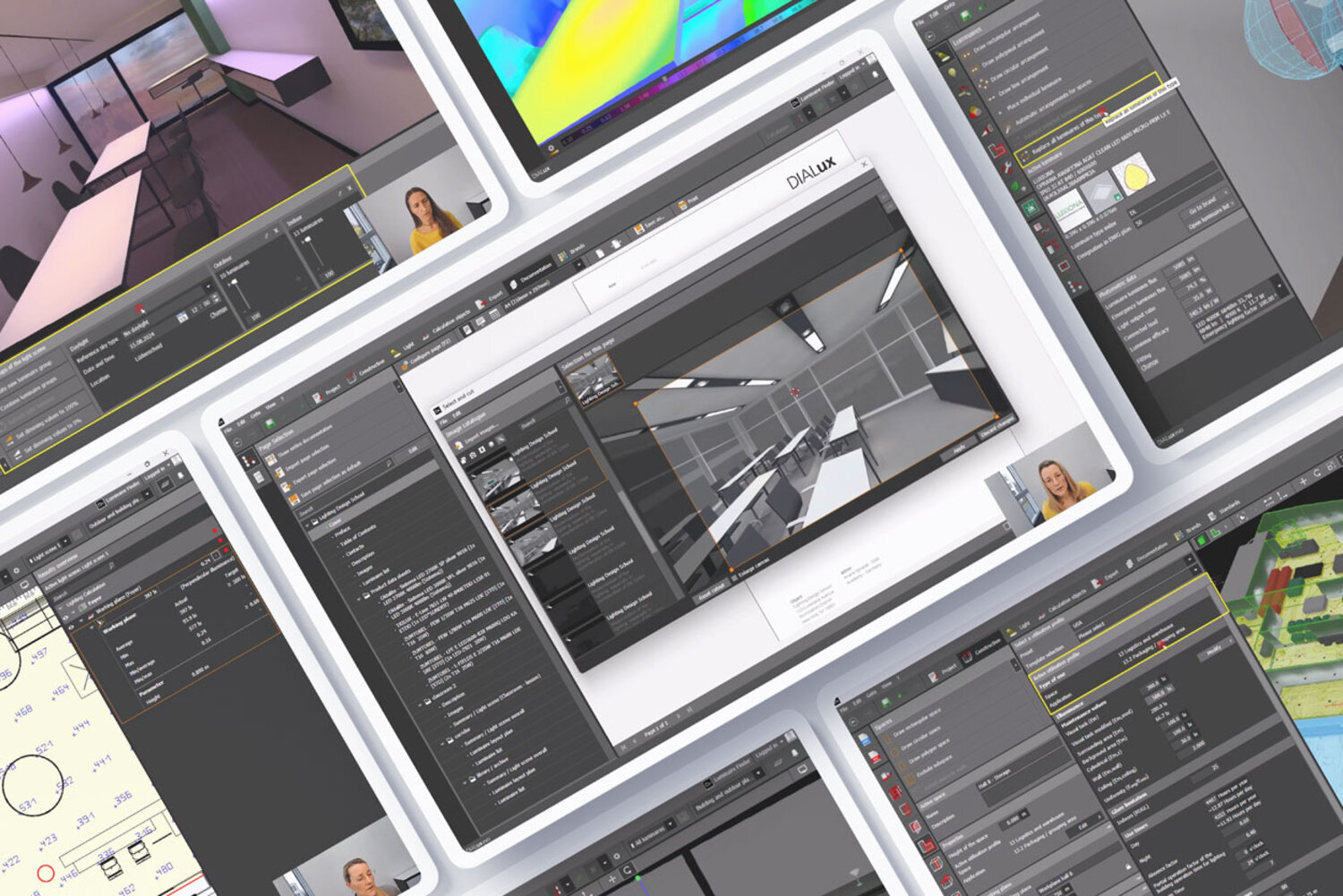

«Learn at your own pace with structured modules
and more than 70 short video lessons.»



Contact
DIAL GmbH
Bahnhofsallee 18
58507 Lüdenscheid