

In BIM workflows, a project often consists of more than just a single model. In addition to the building model, there are usually discipline-specific models, for example for HVAC, plumbing, or electrical design. Until now, these models had to be merged using external software before they could be imported into DIALux evo. This meant additional work steps, the need to find suitable tools, and a time-consuming process outside of DIALux evo. That's exactly what we want to change.
We are currently working on a new feature that will allow you to import multiple IFC files directly into DIALux evo and merge them into a single model. This will make BIM workflows significantly simpler and more efficient.
How it works
Instead of selecting just one IFC file, you will soon be able to import multiple IFC files at the same time. This works both through the import dialog and conveniently via drag and drop directly from your file system.
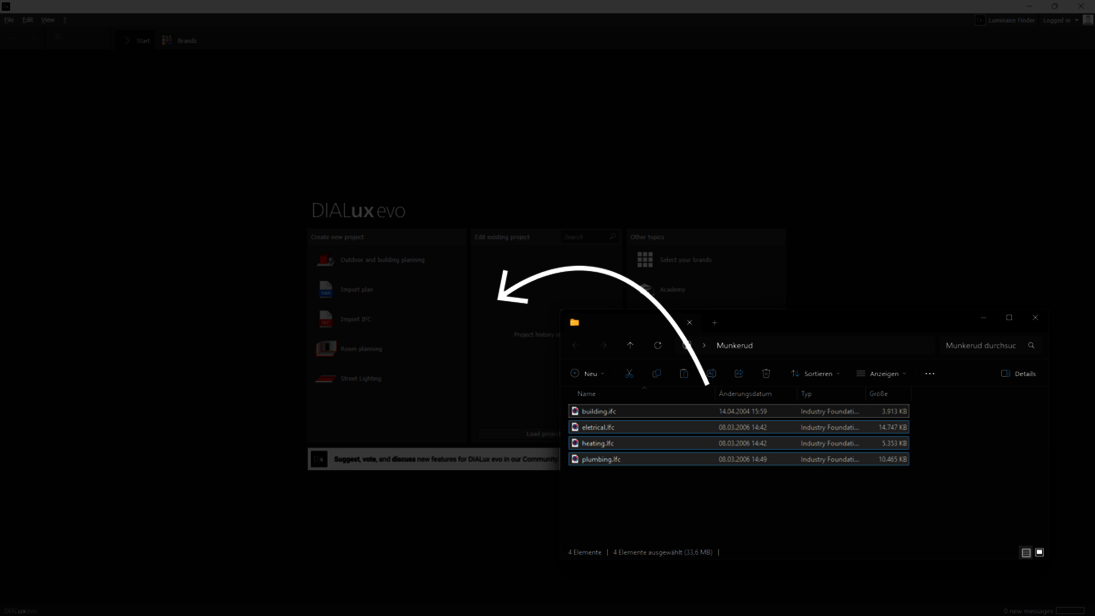
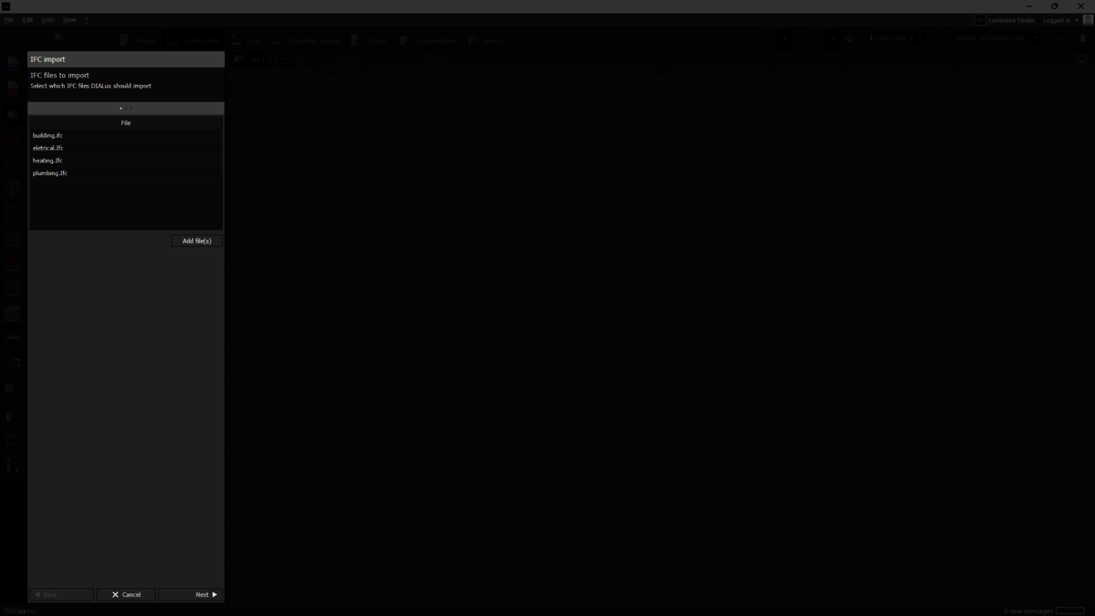
In the first step, you collect all required IFC files in the import wizard. You can add, remove, or adjust the selection until your project is complete.
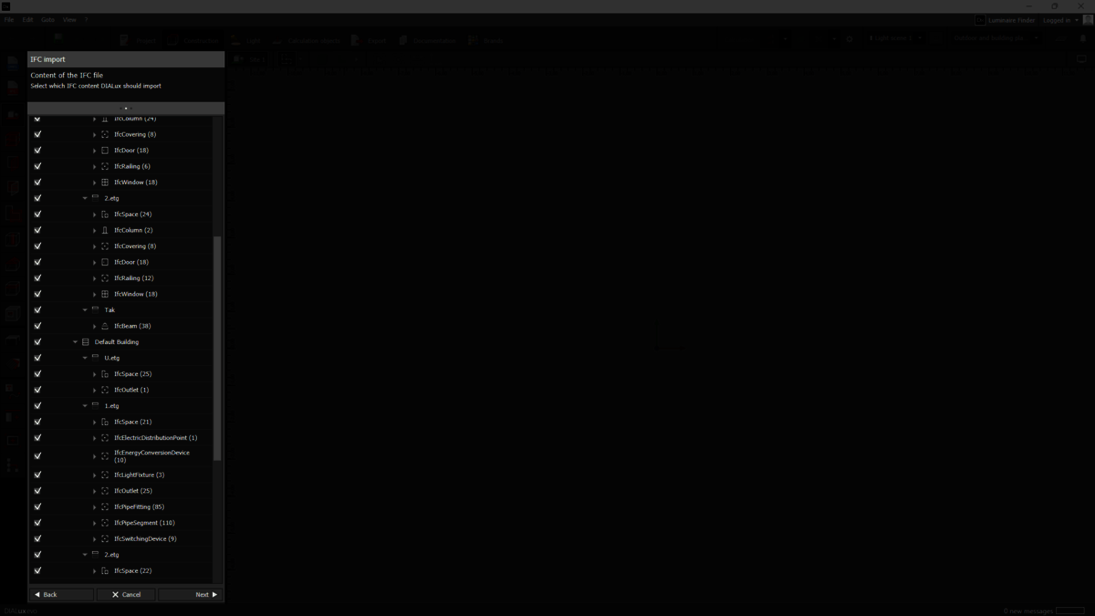
DIALux evo then automatically creates a combined scene from the selected models. In the project structure tree, you can immediately see how the individual IFC models have been merged and are available as one complete scene.
In the final step, you select the desired import method as usual. Existing luminaires are clearly represented by placeholders, allowing you to view all relevant project information within the combined model at a glance.
