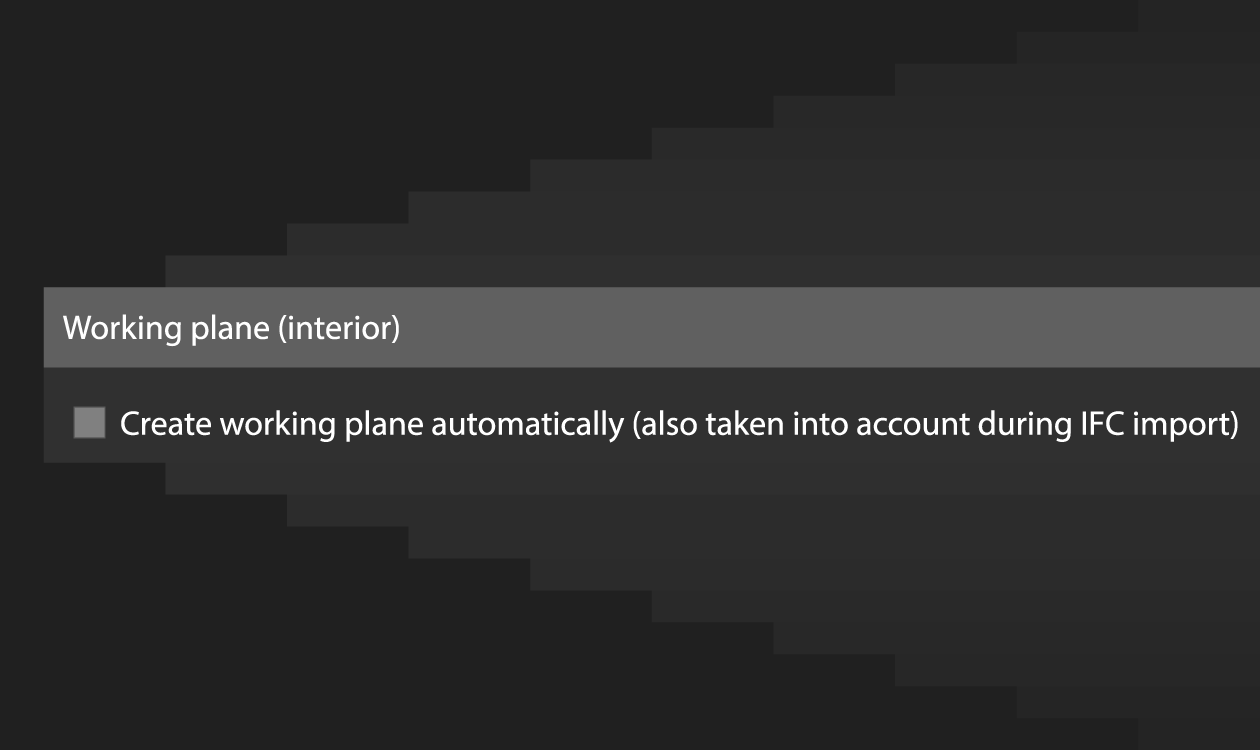

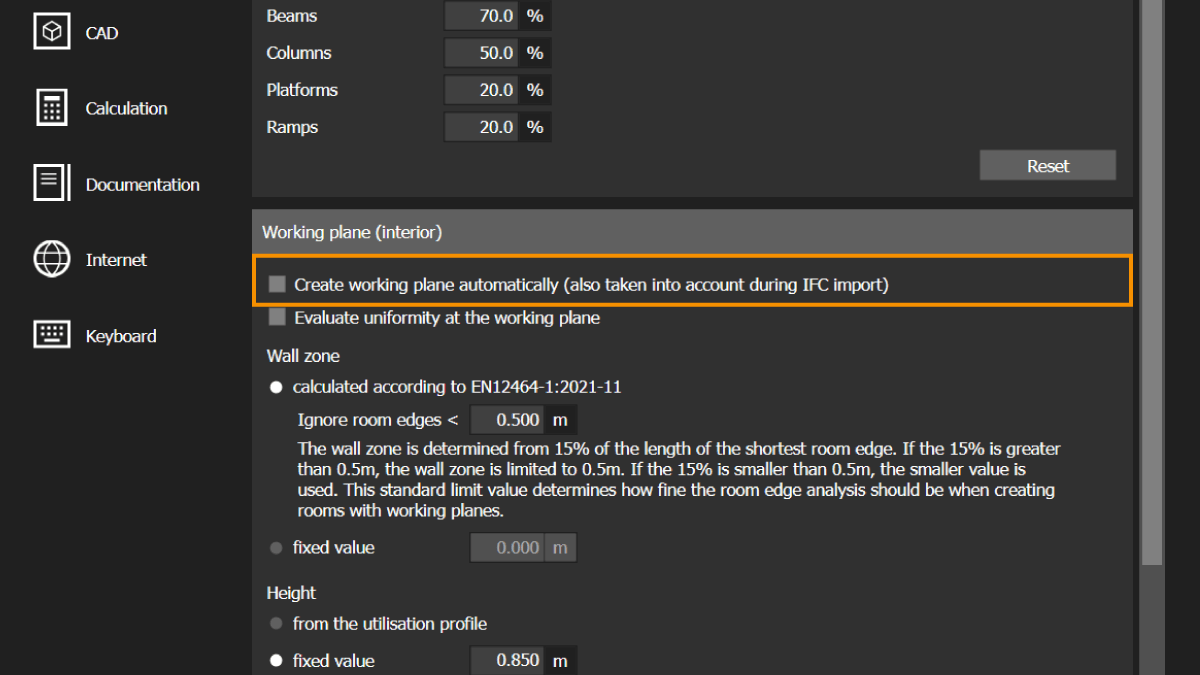
Do you want DIALux to create working planes automatically or not? You can now define this behavior in the program settings and adjust the default values for your working planes.
The setting applies globally to all projects, including both IFC imports and models created directly in DIALux. Once selected, it remains active for all future projects until you change it again.
In standard projects, where you construct the entire building directly in DIALux, automatically created working planes are usually helpful.
The situation can be different when importing IFC models. These models may contain a large number of spaces. If the option is enabled, DIALux automatically creates a working plane for every space. However, you may only want to calculate selected spaces, for example, when creating a representative lighting design.
In this case, you can disable the automatic creation of working planes in the program settings before importing the IFC model. You can then add working planes specifically to the spaces relevant to your planning.
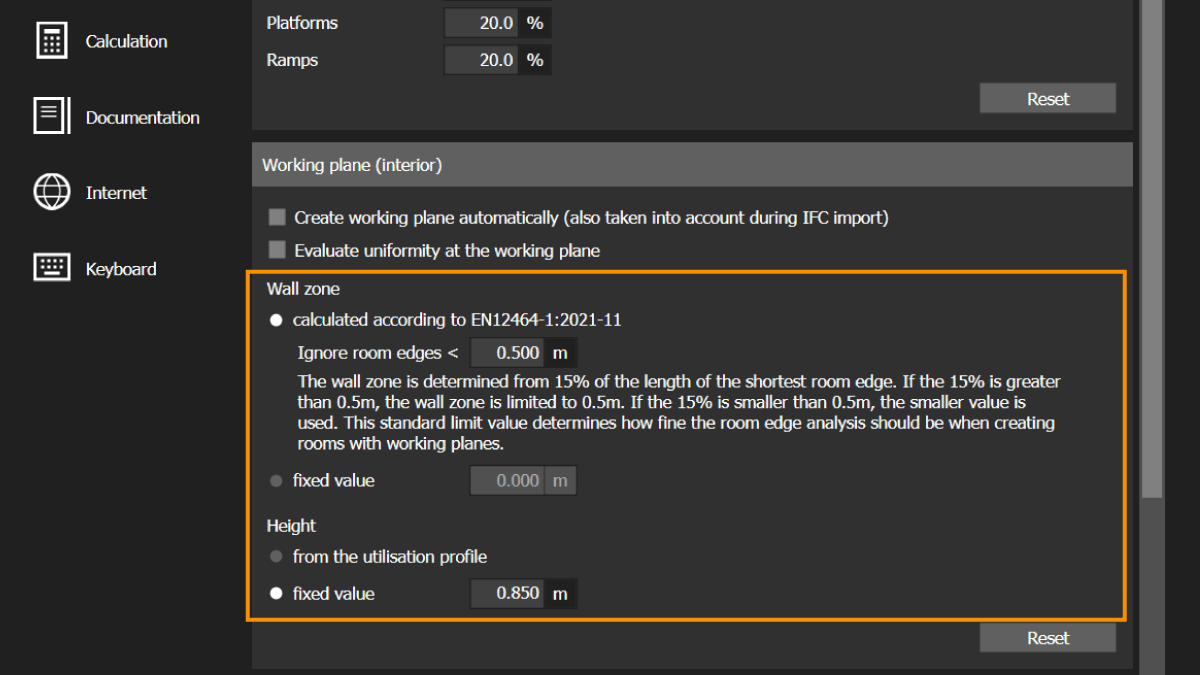
You can also define the following default values:
- The wall zone of the working plane
- The height of the working plane
For example, if your projects regularly require a wall zone of 15% and a working-plane height of 0.85 m, you can save these values as your defaults. DIALux will then apply them automatically, so you no longer need to adjust them manually in every individual room.
This gives you greater control over your project setup and reduces repetitive work in your everyday lighting design process.
