
The new DIALux evo 13 version brings you many new functions and improvements, especially in the area of obtrusive light calculation. These updates provide you with powerful tools to assess and manage unwanted light spill in outdoor environments, ensuring better compliance with lighting standards and reducing light pollution. The free version of DIALux evo 13 includes all features related to obtrusive light. In the following video, we explain all the new functions relating to light immissions in a nutshell:
Obtrusive Light Calculation Scene
We added a dedicated light scene for calculating obtrusive light, automatically using a maintenance factor of 1 to ensure accurate and consistent results. With this scene, you can add all exterior luminaires in one click, streamlining the process of evaluating the impact of external lighting.
New Tools for Obtrusive Light Objects
We introduced a new tool for placing and configuring obtrusive light objects. This makes it easier to simulate various light intrusion situations and adjust objects that influence the light distribution, such as building surfaces or barriers.
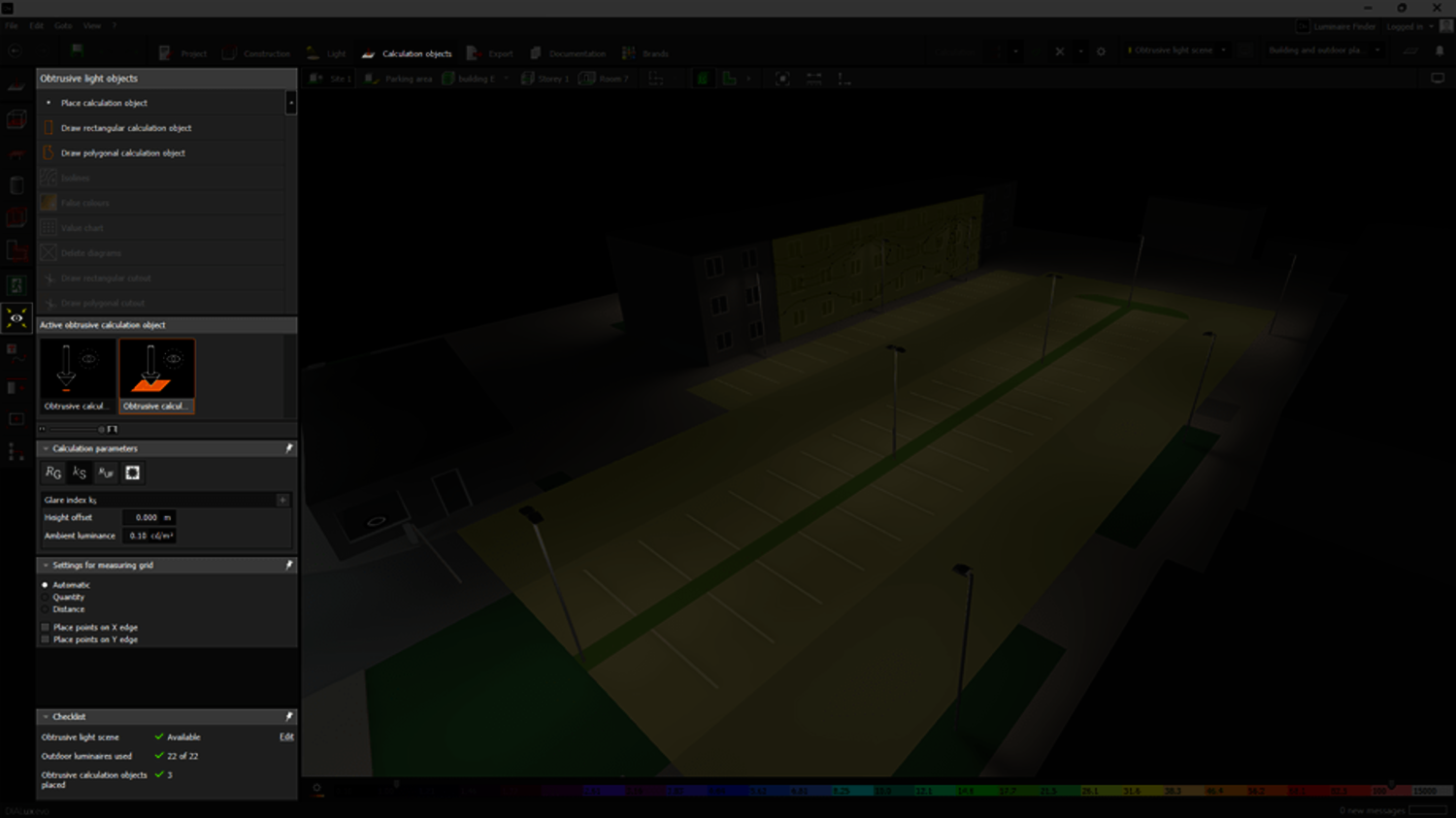
Calculation of Obtrusive Light Values
With DIALux evo 13 you can now compute several important obtrusive light values, including:
- I (Illuminance)
- ks (Proportionality factor)
- Ruf (upward flux ratio), Rul (upward light ratio)
- RULO (upward light output ratio) and RDLO (downward light output ratio)
These new metrics allow you greater control and visibility into how their designs affect the surrounding environment.
With DIALux evo 13 version, you can check these limits and comply with applicable standards. For our first development step, we have considered the following standards:
- CIE150:2017
- EN 12464-2:2014
- LAI:2012
- ÖNORM O 1052:2022
RG Value Calculation Options
Two options have been added for calculating the RG (Veiling Luminance for glare rating):
- A fixed value for easier comparison
- A special veiling luminance surface that can be placed within the scene to simulate more complex environments.
This addition allows you to tailor the RG calculations to the specific needs of a project.
Checklist for Obtrusive Light Calculation
To assist with the process, DIALux evo 13 includes a checklist outlining all the necessary settings for calculating obtrusive light. This feature ensures no step is overlooked during the design and evaluation process, simplifying compliance with industry standards.
Scene-Wide Results Display on the Monitor
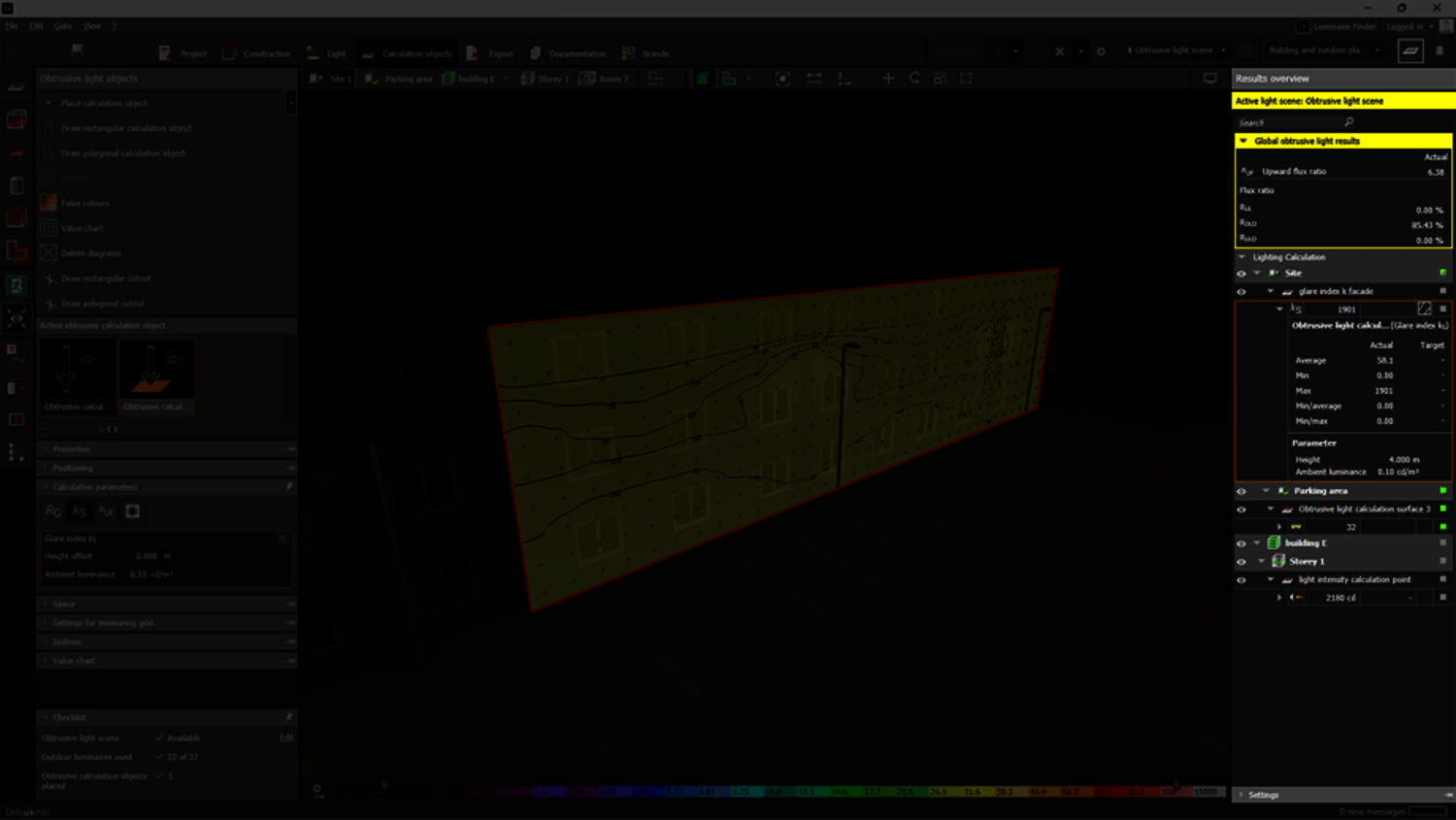
The results monitor now supports displaying results for the entire scene, including luminous flux ratios. This enhancement allows you to view and compare the light distribution across different scenes, facilitating the assessment of obtrusive light.
New Output for Obtrusive Light and Luminous Flux Ratios
A new output section focusing on obtrusive light and its related luminous flux ratios has been added. This output helps engineers to document and communicate their lighting designs with specific reference to the impact on surrounding areas.
Enhanced Calculation Settings
The calculation settings have been updated, adding options for obtrusive light. Designers can now fine-tune these settings to reflect real-world scenarios, ensuring their designs minimize unwanted light spill.
Ks Proportonality Factor Visualization
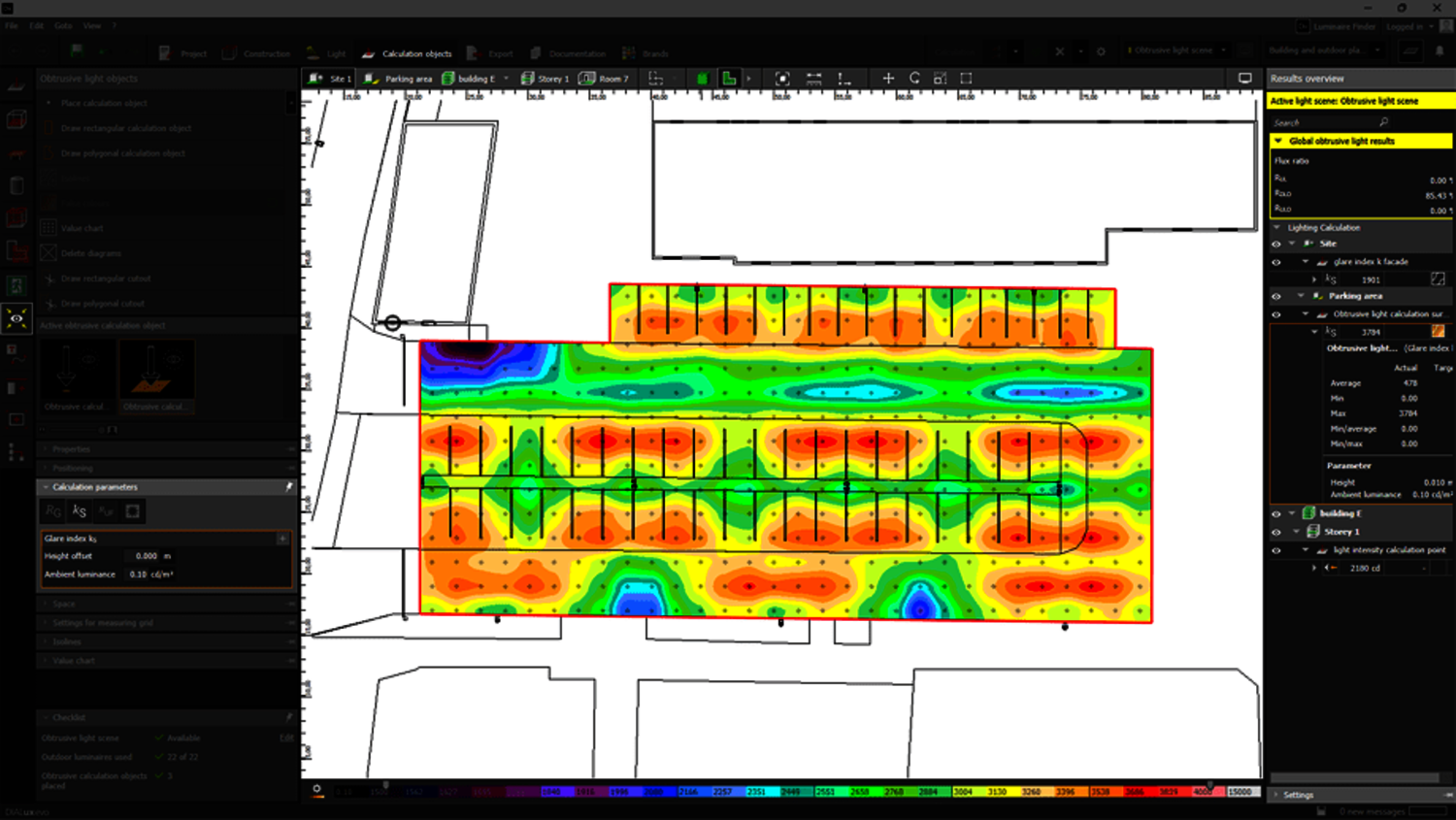
The ks proportonaliy factor can now be represented using isolines, false colours, or value charts, offering multiple visualization methods for assessing obtrusive light in complex scenes.
Additional new features in DIALux evo 13
In addition to the ability to calculate light immissions, the new version of DIALux contains many other new functions and improvements. We have revised the IFC import, improved the handling of IFC spaces and implemented a new data interface to DDScad and Metaroom. Find out more here.
As always, DIALux evo 13 is available free of charge and can be downloaded here.
