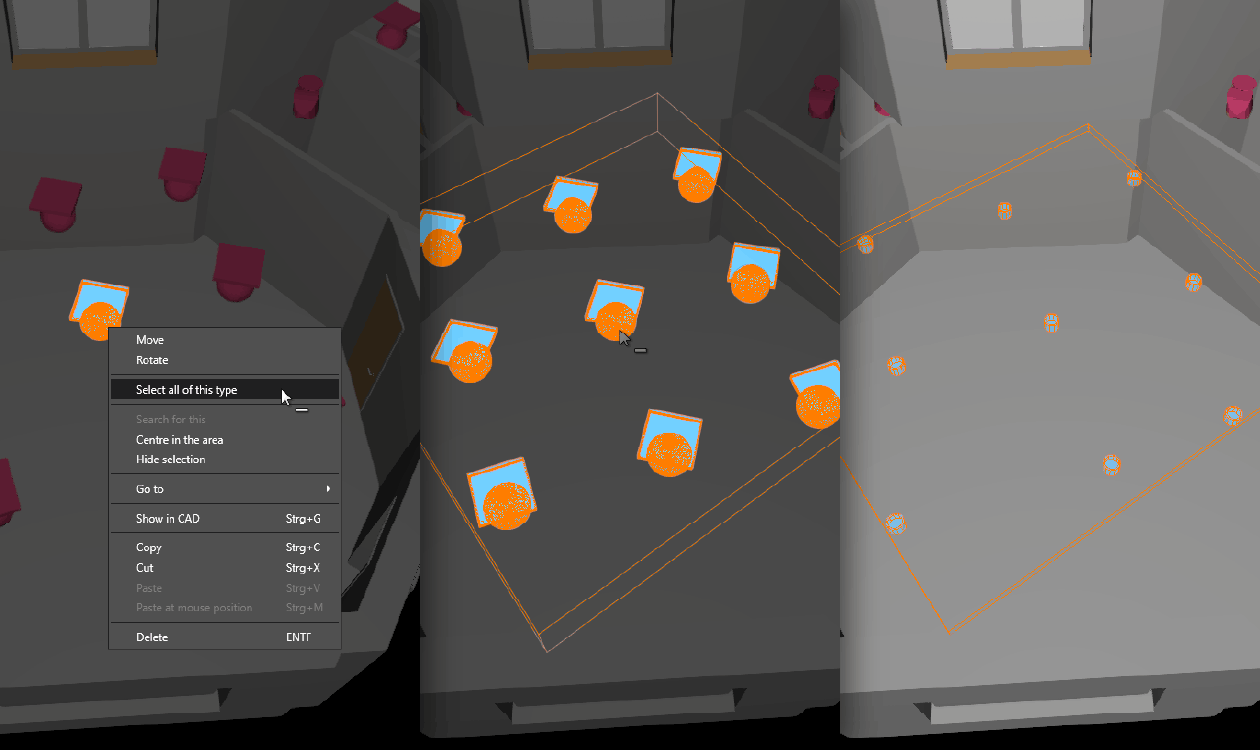

With DIALux evo 14, working with objects that appear multiple times in your project is now much easier. You probably know the situation: a certain chair, door, window or luminaire has been placed several times in your project, and you don’t want to search for and click every single object manually.
That’s exactly what the new “Select all of this type” function is for. You simply click on an object, for example a piece of furniture, a window or a door and DIALux evo automatically selects all objects of the same type. You can do this directly from the catalog, or simply by right-clicking the object in the CAD view.
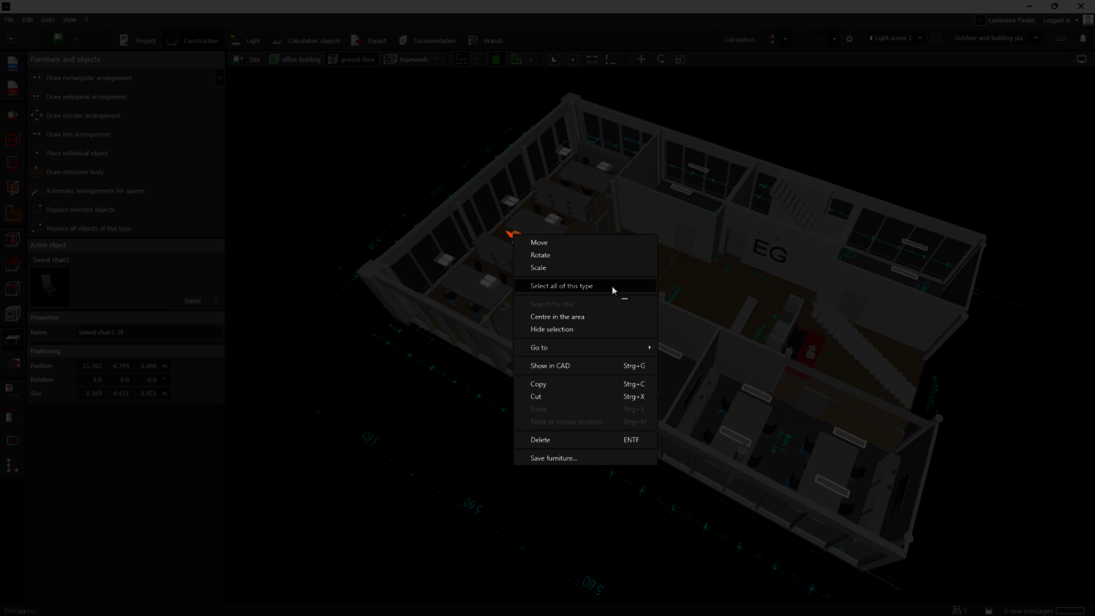
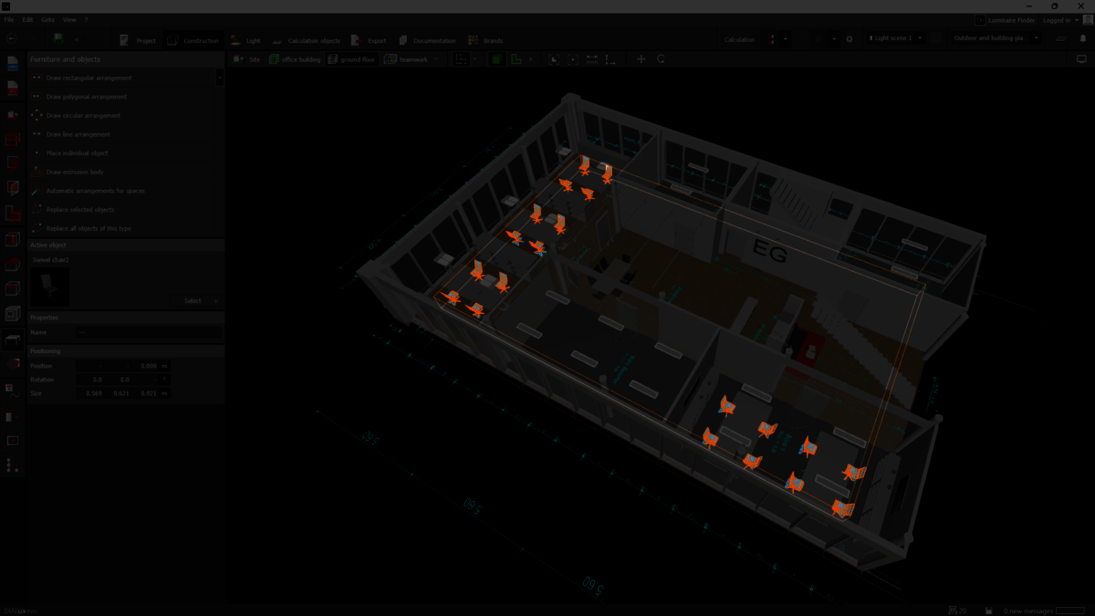
The big advantage: You immediately get an overview of all identical objects and can edit or replace them together. Lots of individual clicks turn into a fast, clean workflow. This is especially useful in larger projects with many recurring objects.
Working with IFC files is also becoming easier. If luminaires are initially imported as placeholders, you can now click on one of these placeholders and select all placeholders of the same type, either via the catalog or by right-clicking. You can then replace them all at once with real luminaires.
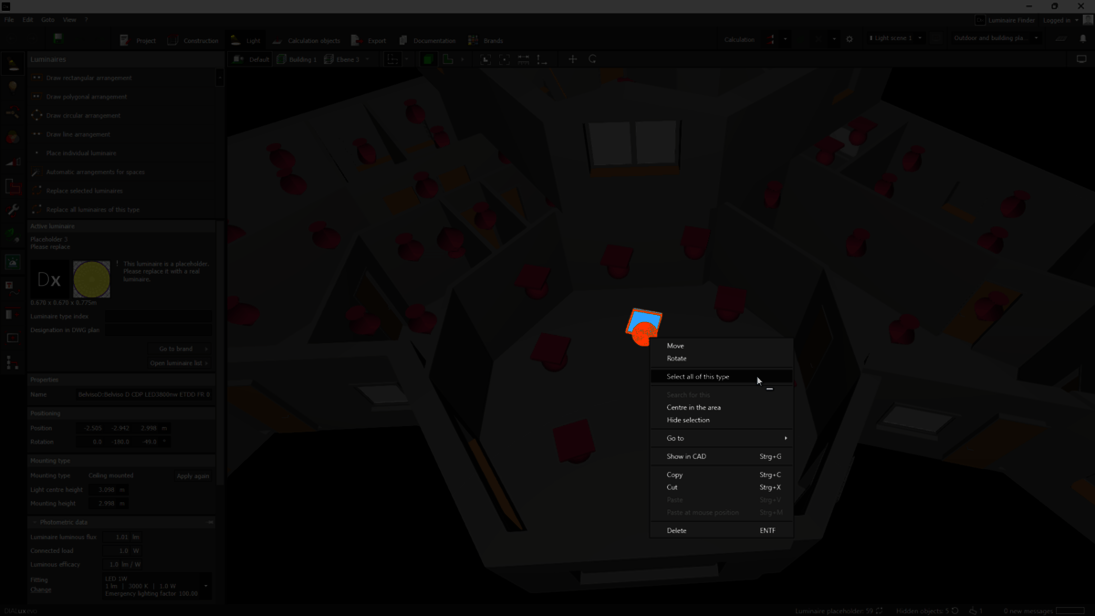
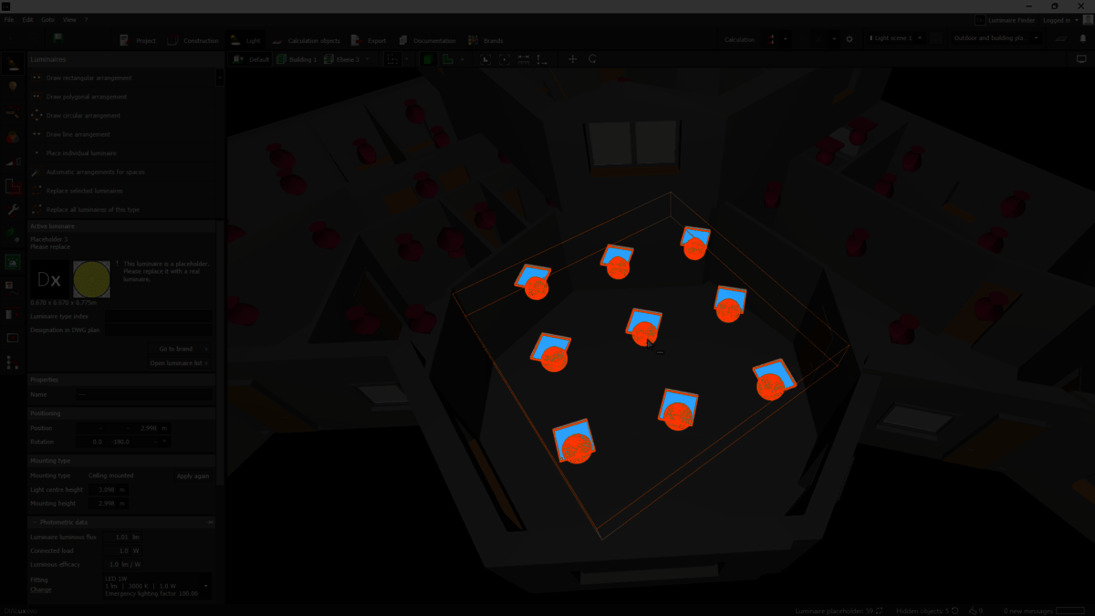
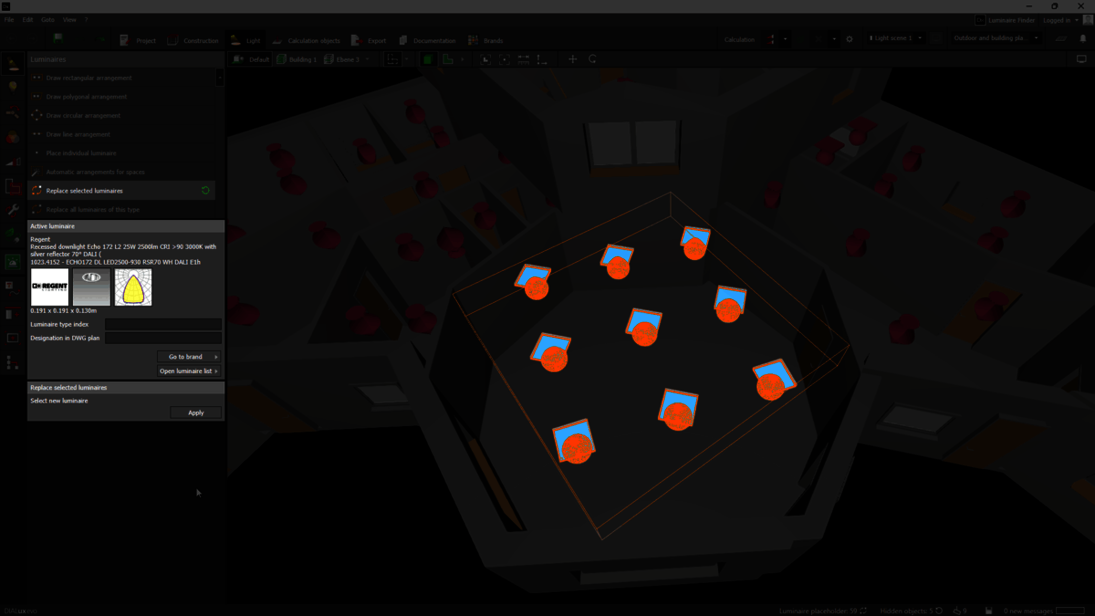
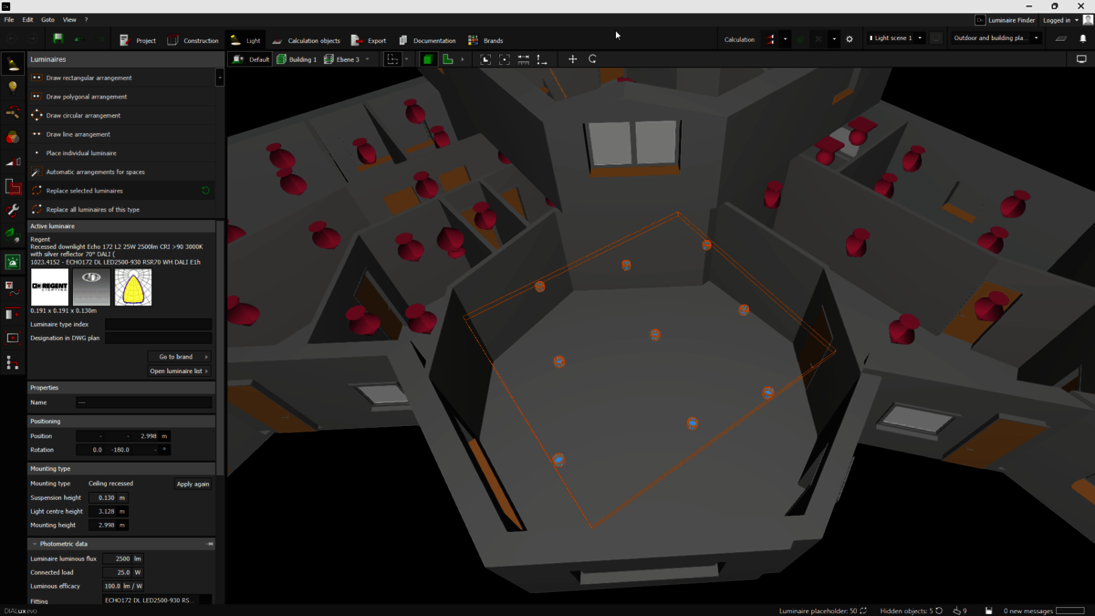
In practice, that means: click on a placeholder, display all identical types, choose the right luminaire and replace them all in one go. This saves you the hassle of searching for each placeholder and replacing them one by one, so you can get to the result much faster.
These features were requested by the DIALux Community and show just how valuable your feedback is. With the Feature Upvote, you can help decide which improvements really matter for your daily planning work. Vote for your favorites, share your own ideas and help us continue developing DIALux evo exactly where it makes your work easier.
