
We are happy to announce that DIALux evo 12.1 is now available for download. Our team has worked hard to make major improvements that will enhance your lighting design experience, making it more efficient and saving you valuable time.
We are confident that you will love the new features and upgrades. From now on it is much easier to find luminaires that are not linked to a light scene and we have improved the handling of DWG files and the multiple selection for rooms, just to name some features. For all DIALux Pro Users we also have good news: we have added some functions and made major improvements to work with Open BIM.
Lets start:
Newly added feature
Number of selected objects
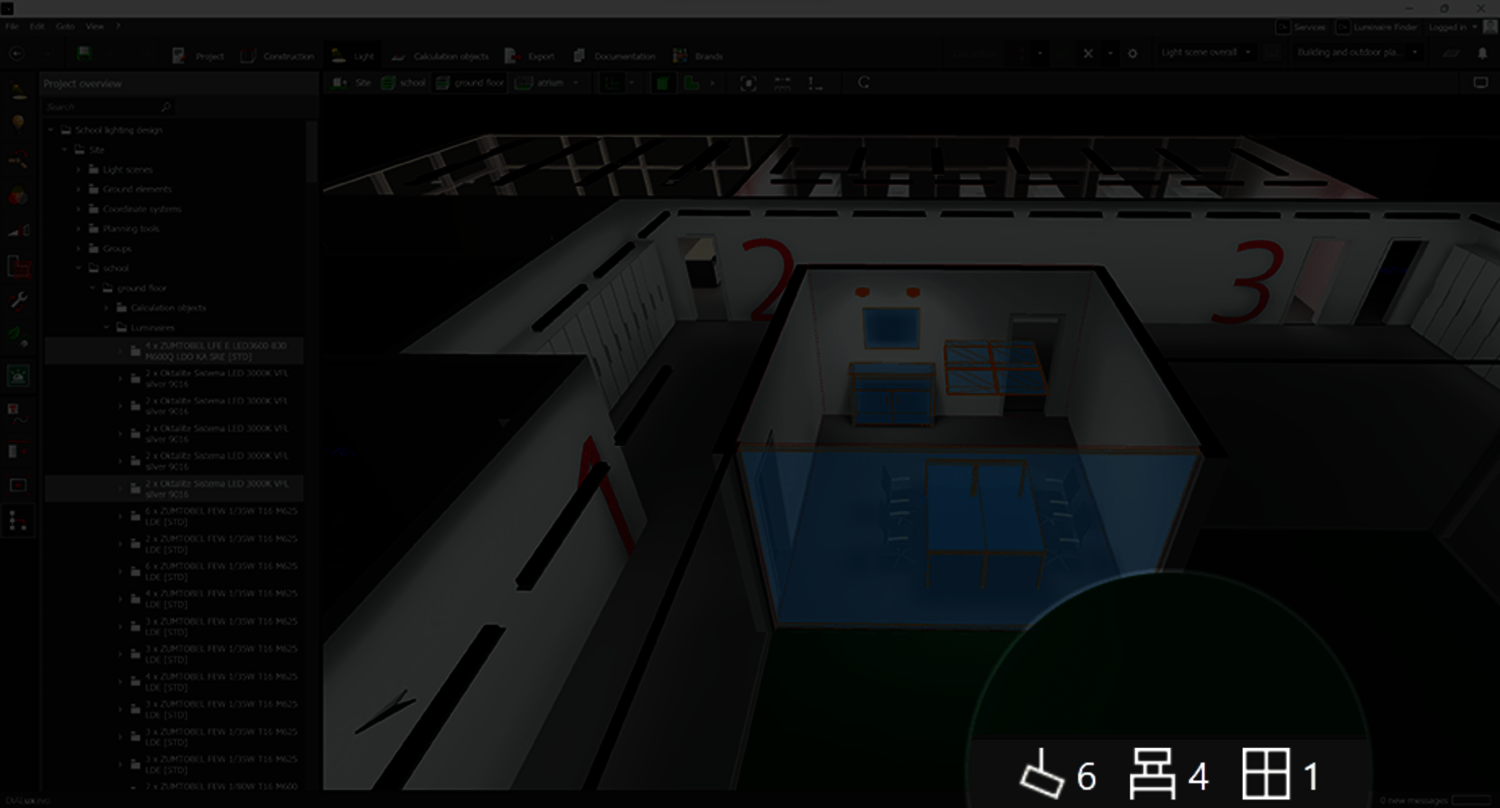
You can now easily display the number of selected objects in the status bar. This works with luminaires, apertures and furnitures. All you have to do is to select the luminaires, furniture/objects or room elements. Mixed selections via the project tree are also possible.
Newly added feature
Finding luminaires that are not linked to a light scene
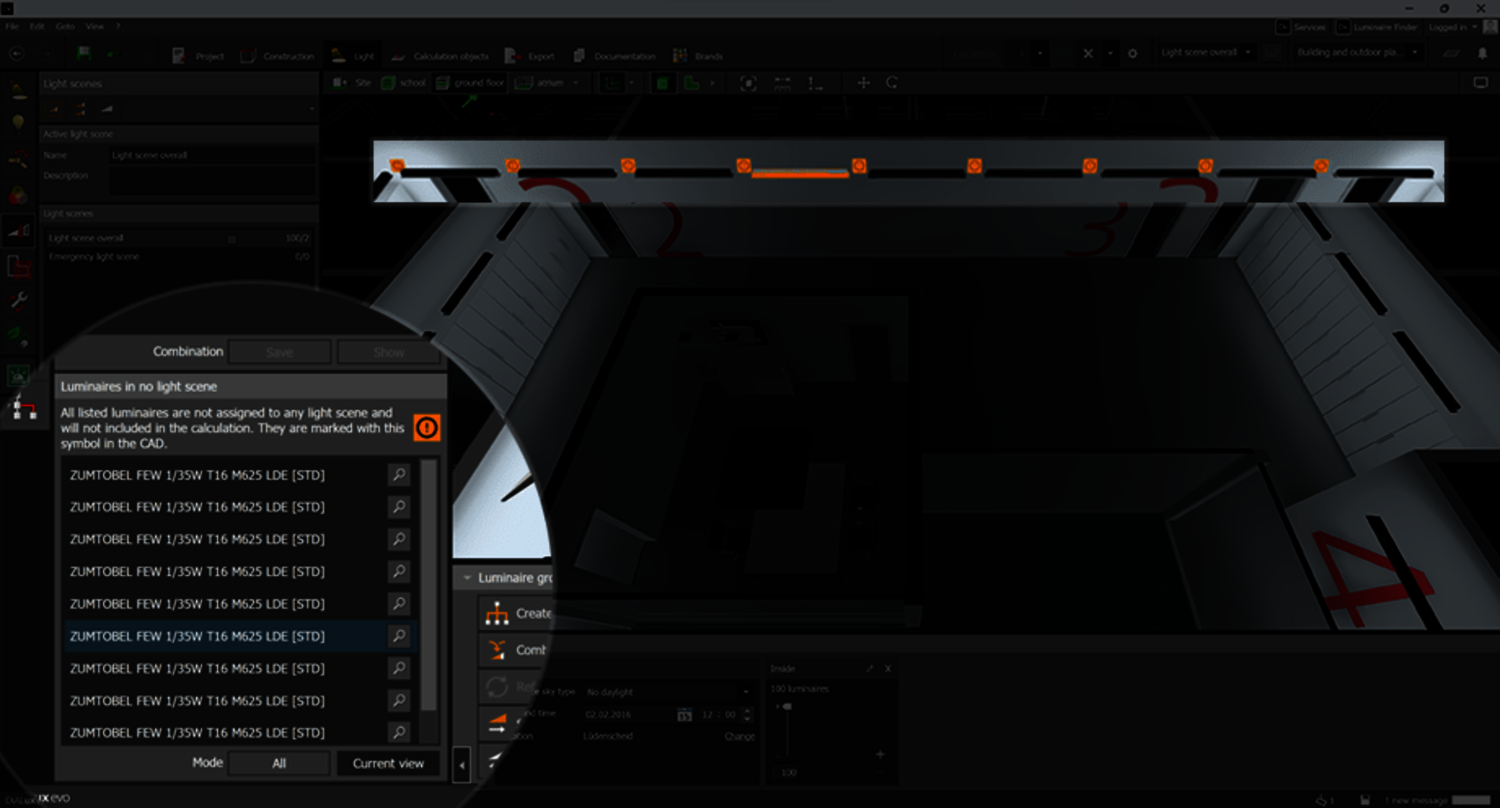
DIALux normally ensures that all luminaires are assigned to at least one light scene. Although, it is possible that some luminaires may become unassigned while working with light scenes. These unassigned luminaires are not included in the calculation as DIALux calculates the light scene scene by scene. The new display lists these unassigned luminaires, which can be selected and displayed in the CAD. You can now easily add these luminaires to an existing light scene or create a new one.
Improvements to known functions
Multiple selection for spaces
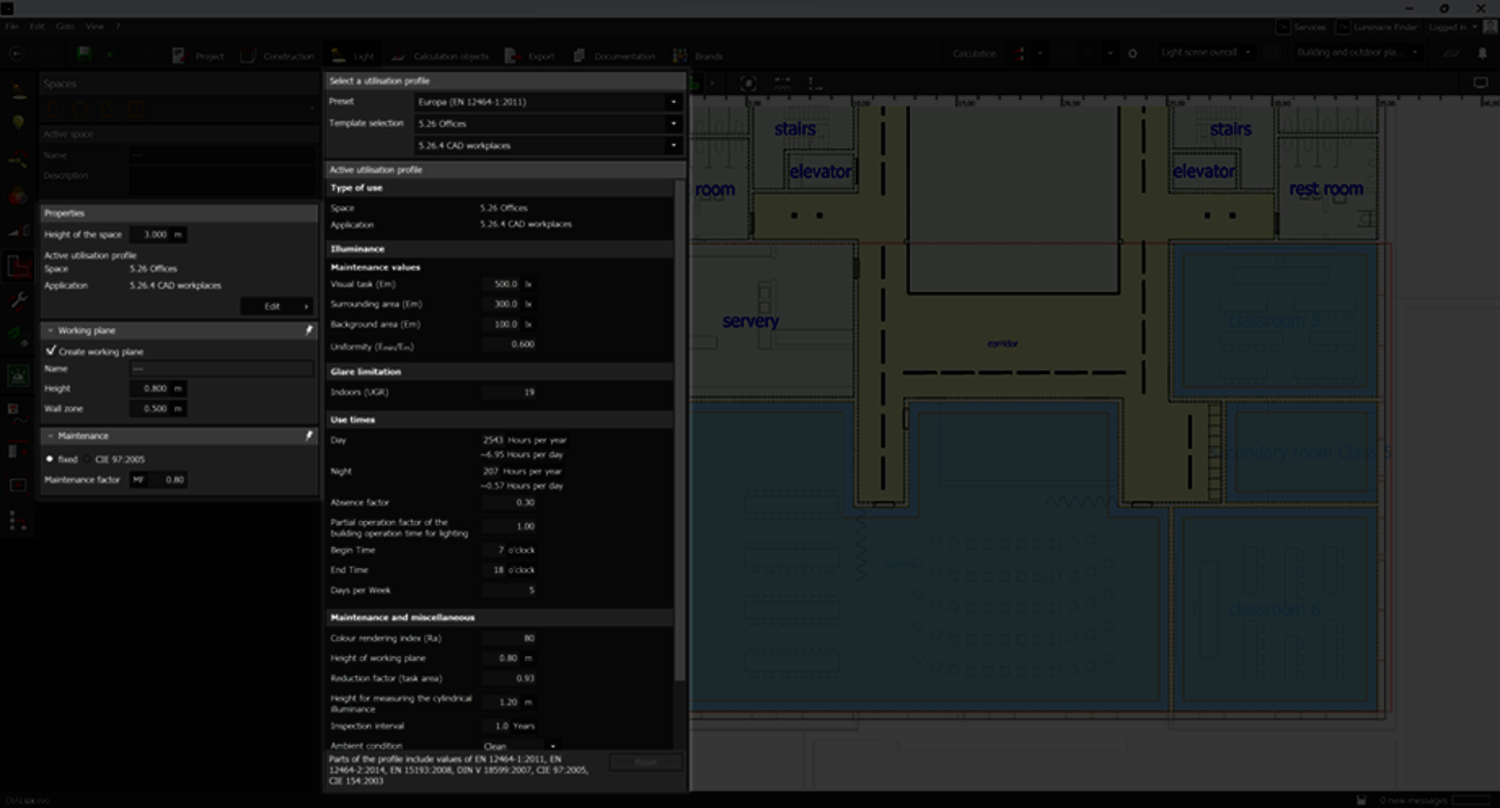
Rooms and spaces can now be selected and edited together in the space tool. This means that you can assign usage profiles to multiple spaces together, or assign important information with a single click. You can also change individual values within a profile, such as target illuminance, for multiple spaces at the same time. This saves a huge amount of time compared to editing each space individually.
Improvements to known functions
Create, save and load your own false colour scales
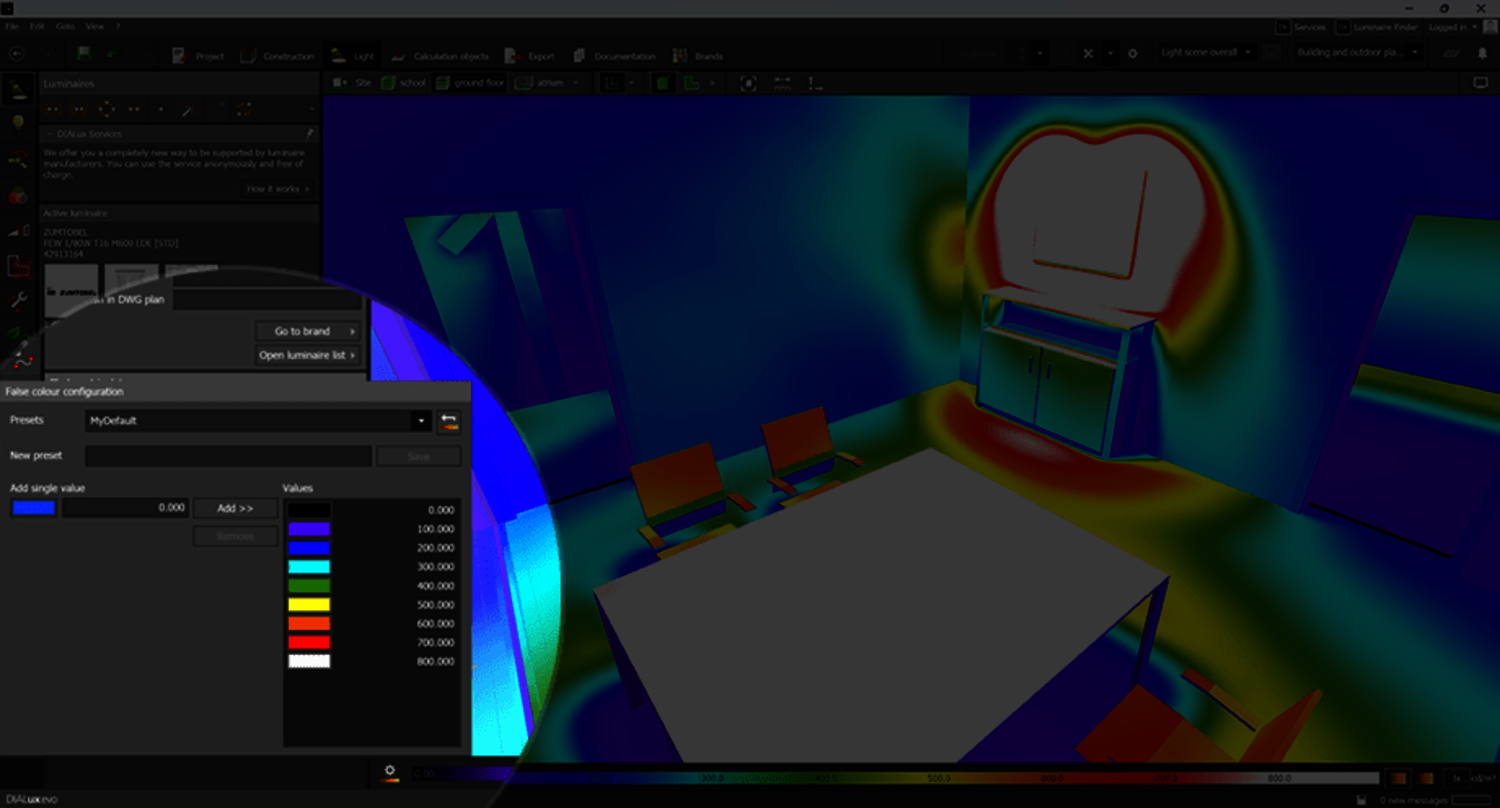
Previously, DIALux only had a global false color table. However, with the new version, you can now edit this table and add, delete, and assign colors. This feature allows you to create personalized lists for different applications, such as interior lighting, exterior lighting, and emergency lighting. These lists can be saved and reused in future projects.
Improvements to known functions
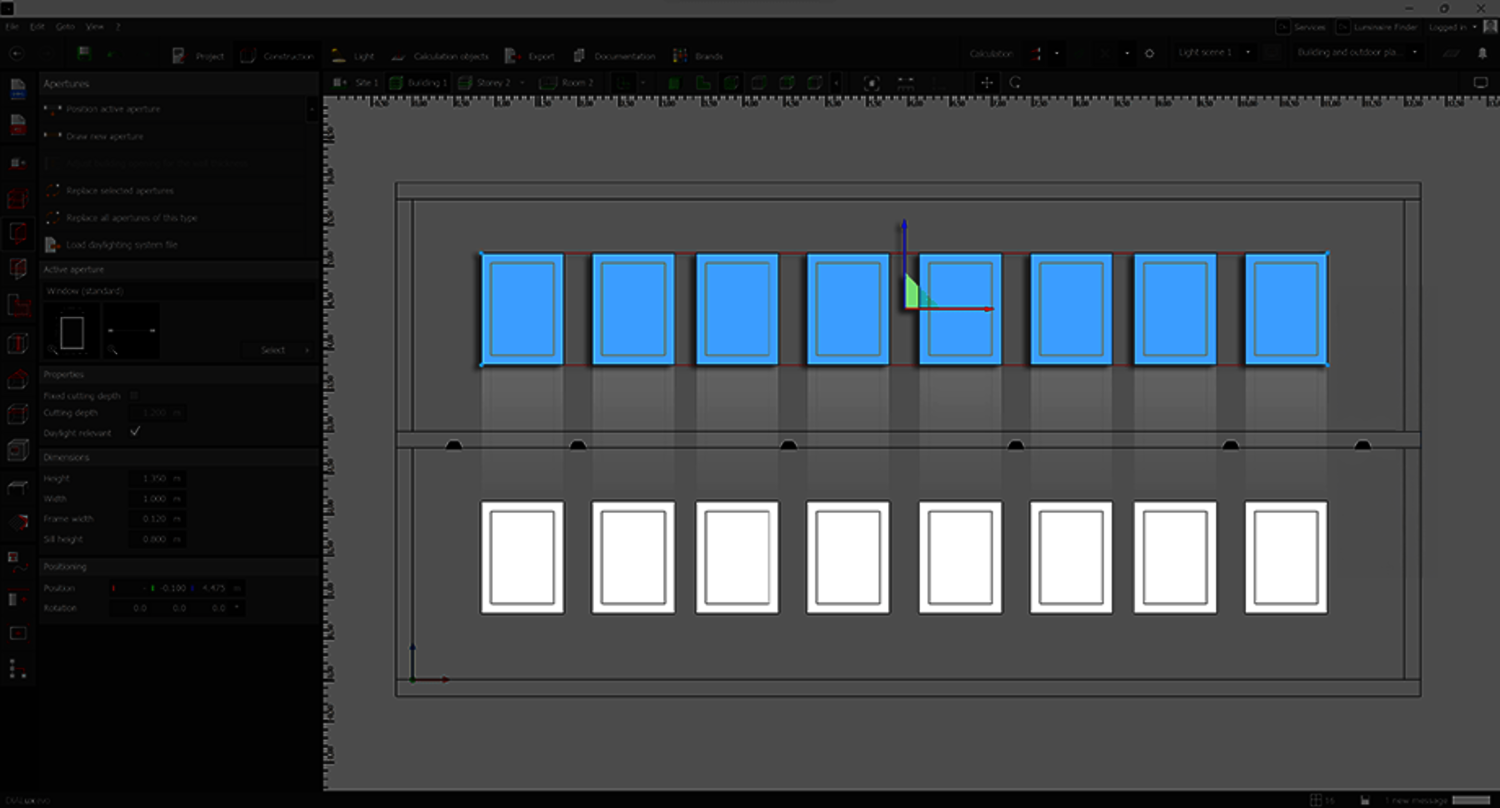
Copy and Paste of objects
You can copy and paste objects in the side views. Windows and doors stay in the wall when sliding and do not slide out.
Improvements to known functions
Handling of DWG files
The handling of DWG files has become much easier. You can now:
- Drag and drop of DWG/DXF plans on the start screen.
- Quickly select or deselect all layers for DWG/DXF plans.
- Link DWG/DXF plans with side views and align accordingly.
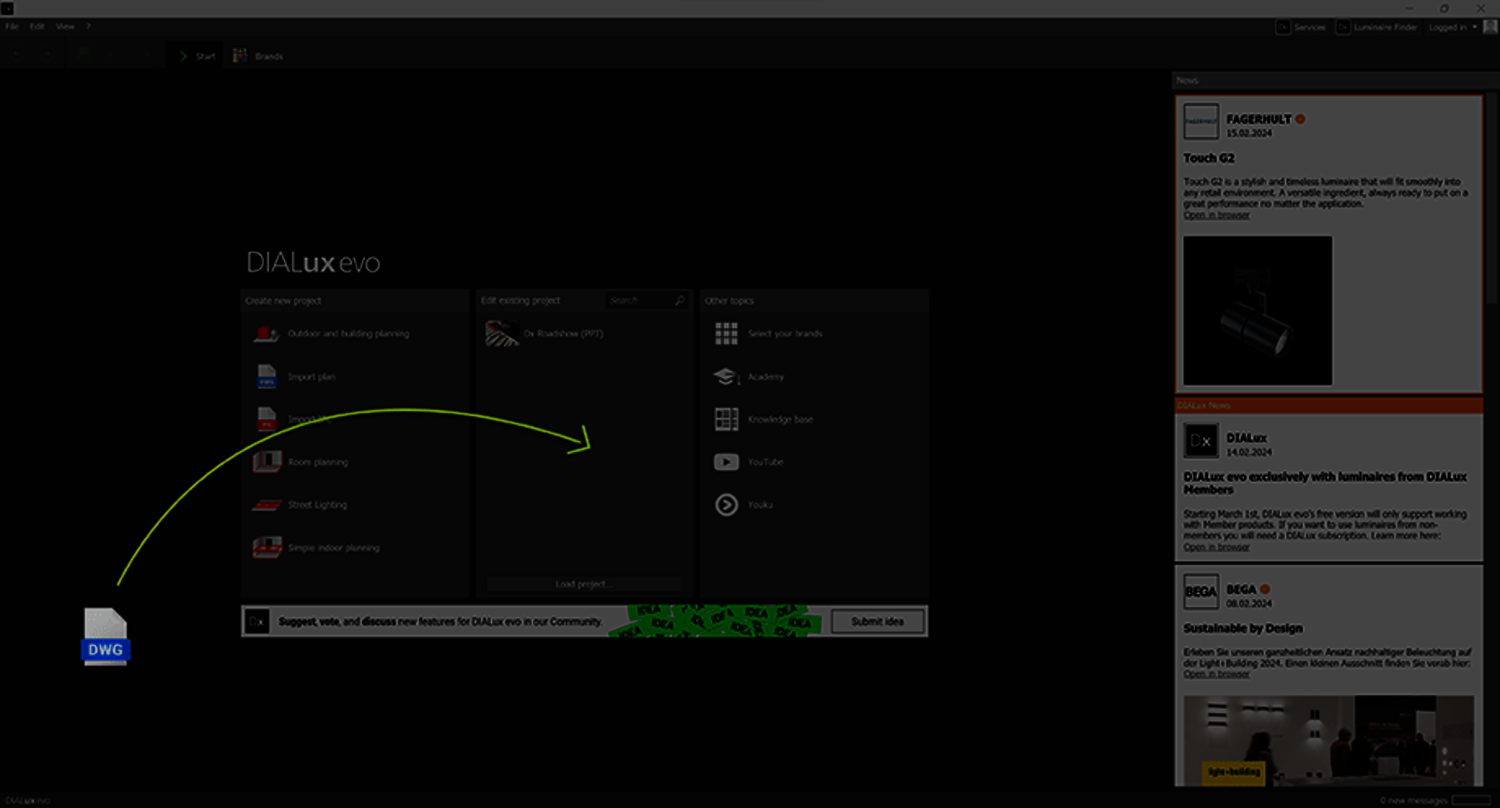
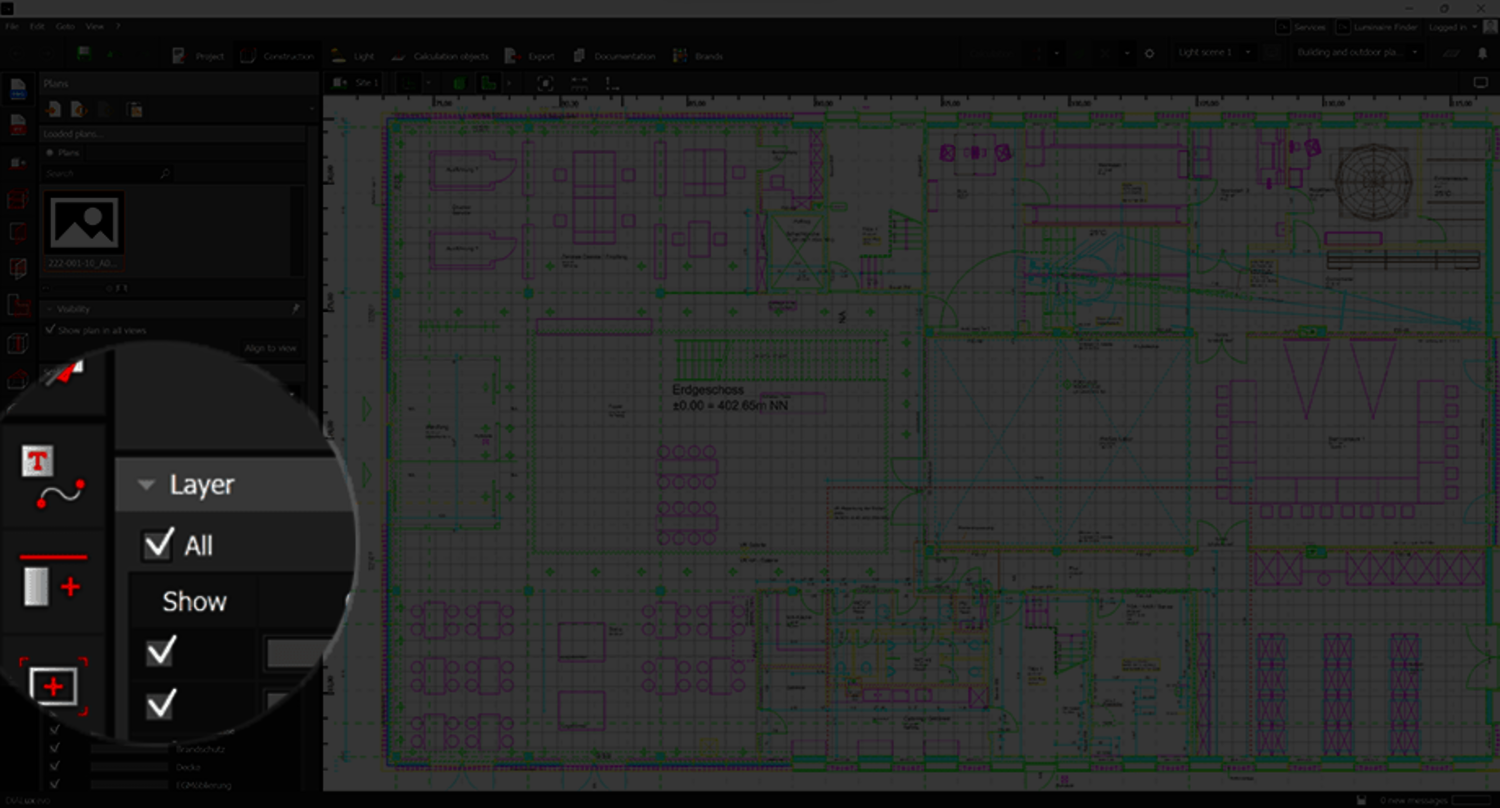
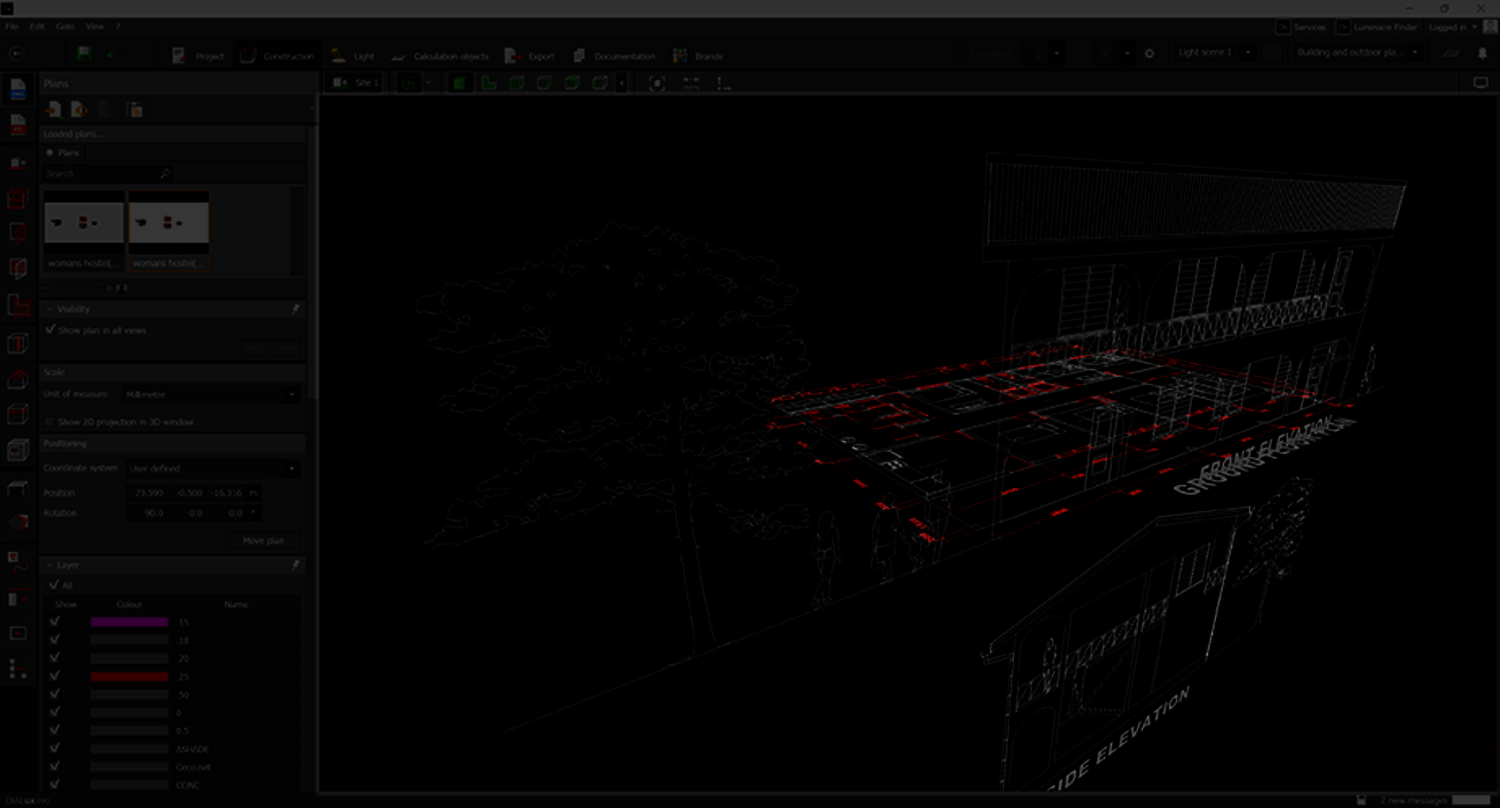
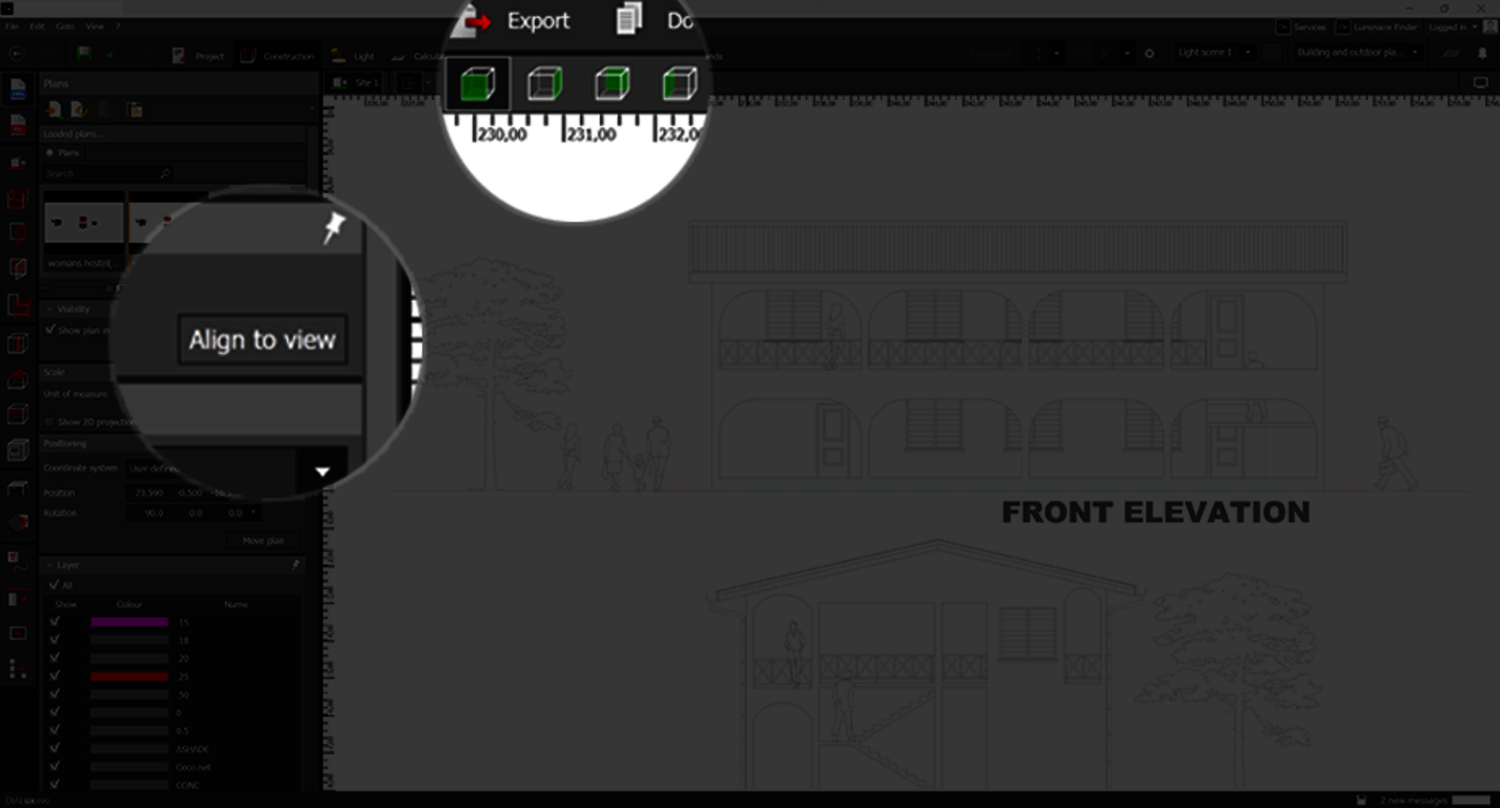
From DIALux 12.1, DWG plans can also be used for side or front views. Create a new plan or reuse a multi-view plan. In the appropriate CAD view, adapt it to the selected view with a single click. The plan can then be moved to the origin in the usual way, and heights, luminaire positions, roof pitches etc. can be checked and corrected if necessary.
Improvements to known functions
Programme settings
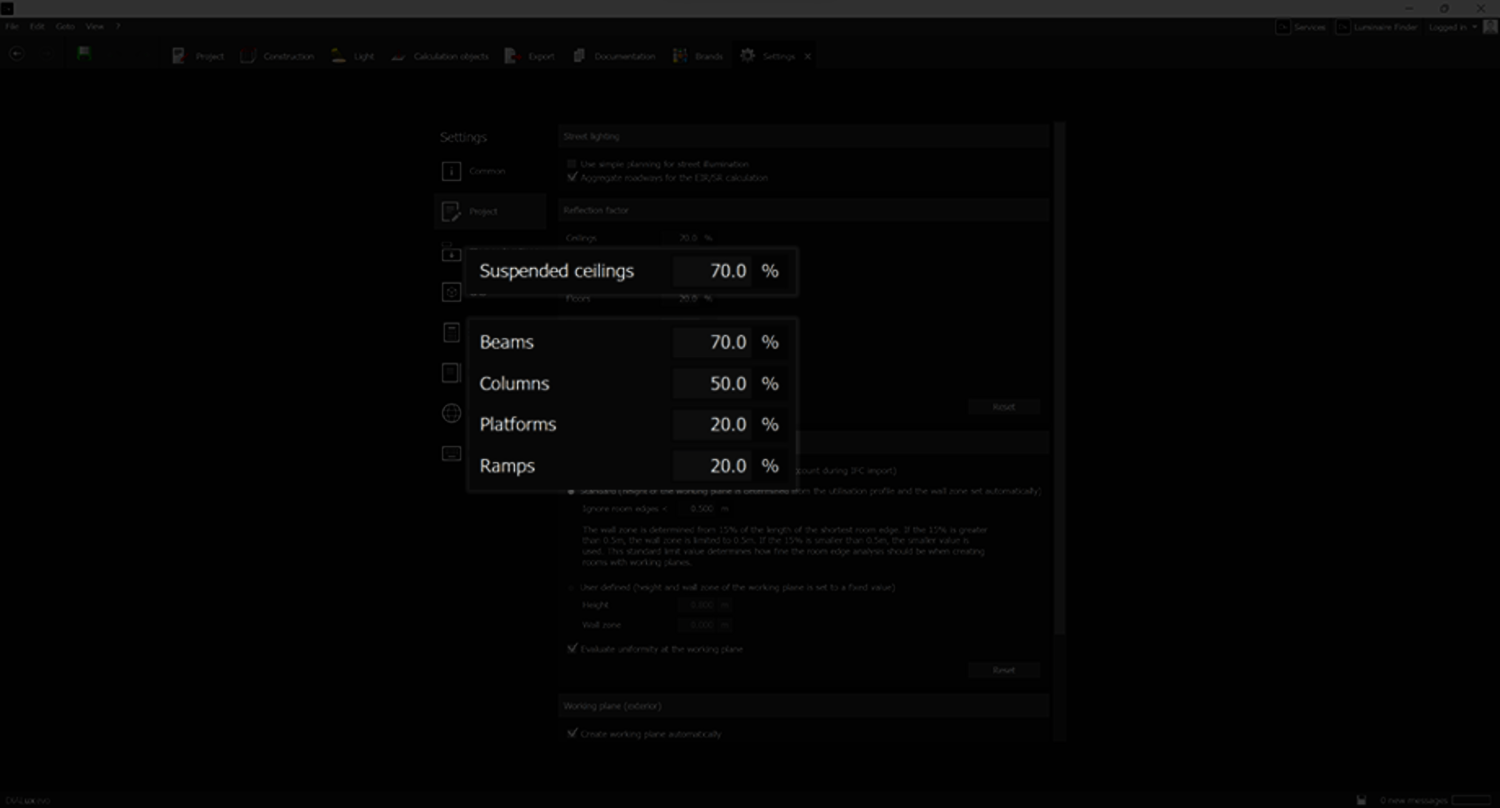
Furthermore there are some additional changes that help you to work with DIALux evo. The program settings are extended to include standard reflectance values for suspended ceilings and several room elements.
Improvements to known functions
Addendum EN 12464-1:2021
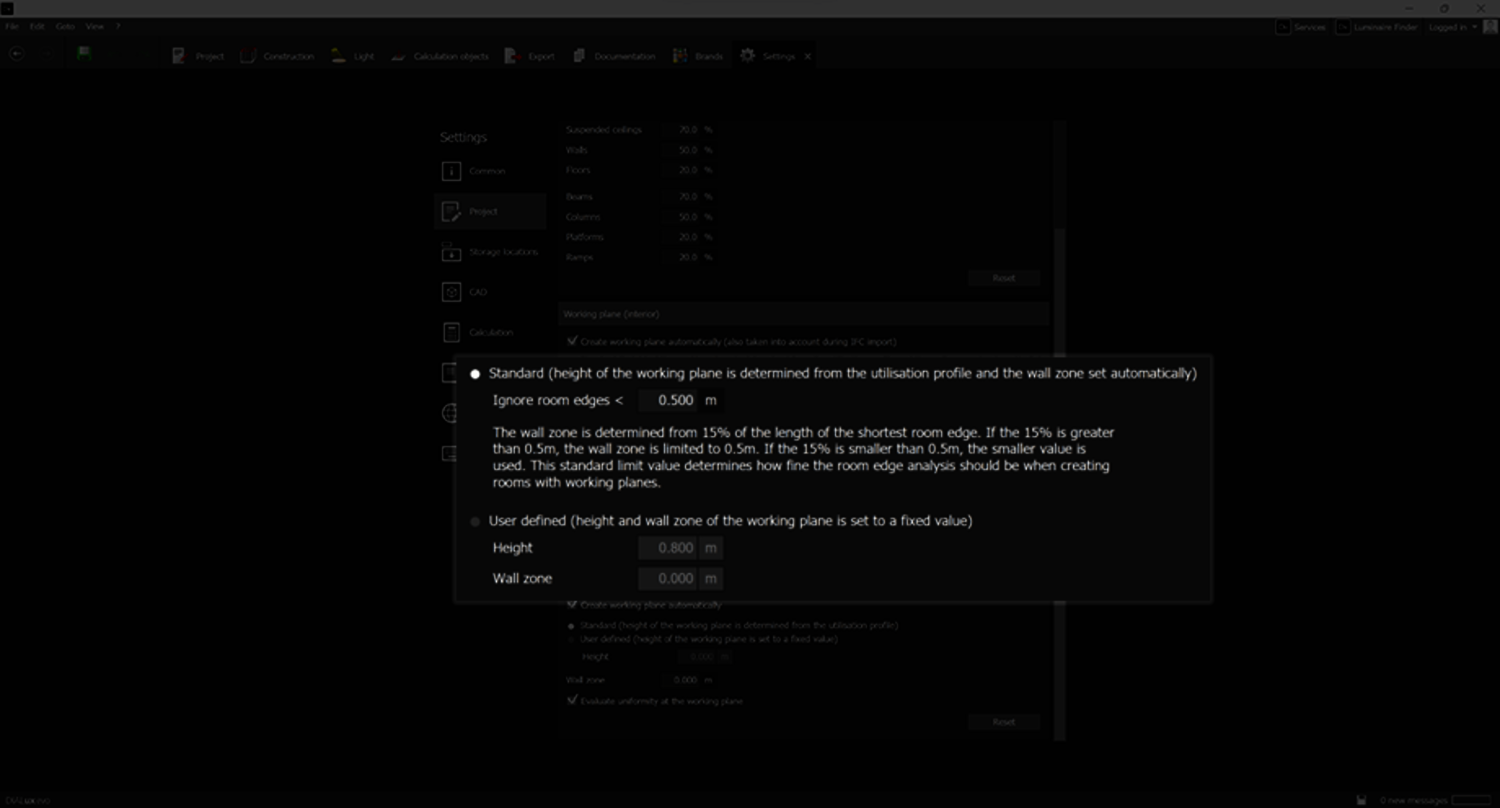
The size of the wall zone is based on the 15% rule. The behaviour of wall zones can be configured in the settings.
Improvements to known functions
New functions and improvements for DIALux Pro
We continue to develop DIALux Pro for you and gradually enrich it with new useful functions. Therefore the Pro Feature "Unlock Non-Members" has been added to the DIALux Pro range of functions. DIALux Pro subscribers do not have to purchase "Unlock Non-Members" separately.
Improvements for Open BIM
We have made it even easier for you to work with BIM. You can now simply drag and drop your IFC files into the start screen.
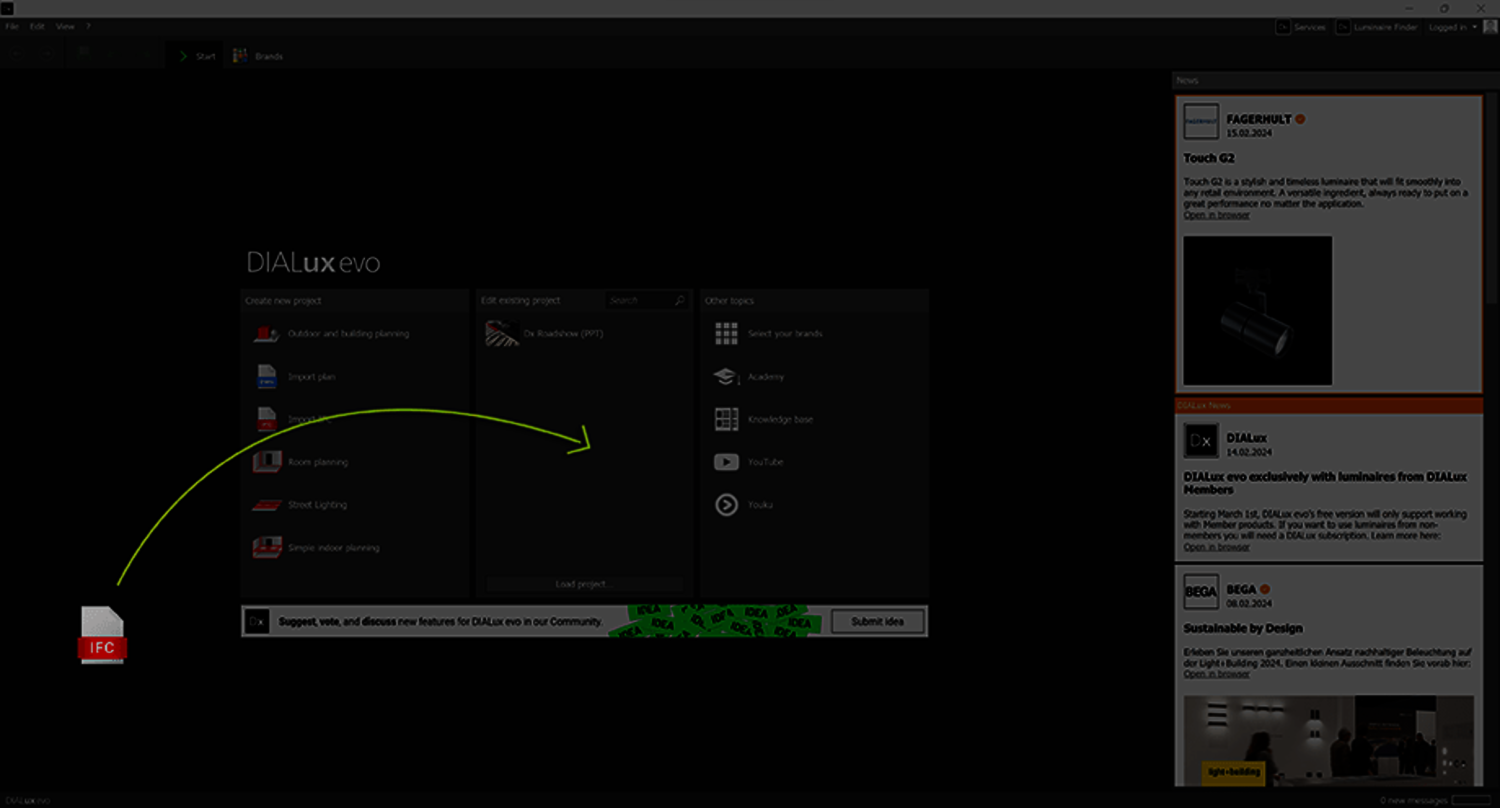
Furthermore we have worked on many IFC Import refinements
The import of material information from IFC models has been improved. Materials are evaluated more accurately and colours and transparencies are better recognised.
Automatic exclusion of standard floor element
The standard floor element is no longer automatically generated during IFC import. This change prevents potential issues where elements such as light wells in the model could be inadvertently covered by the floor element.
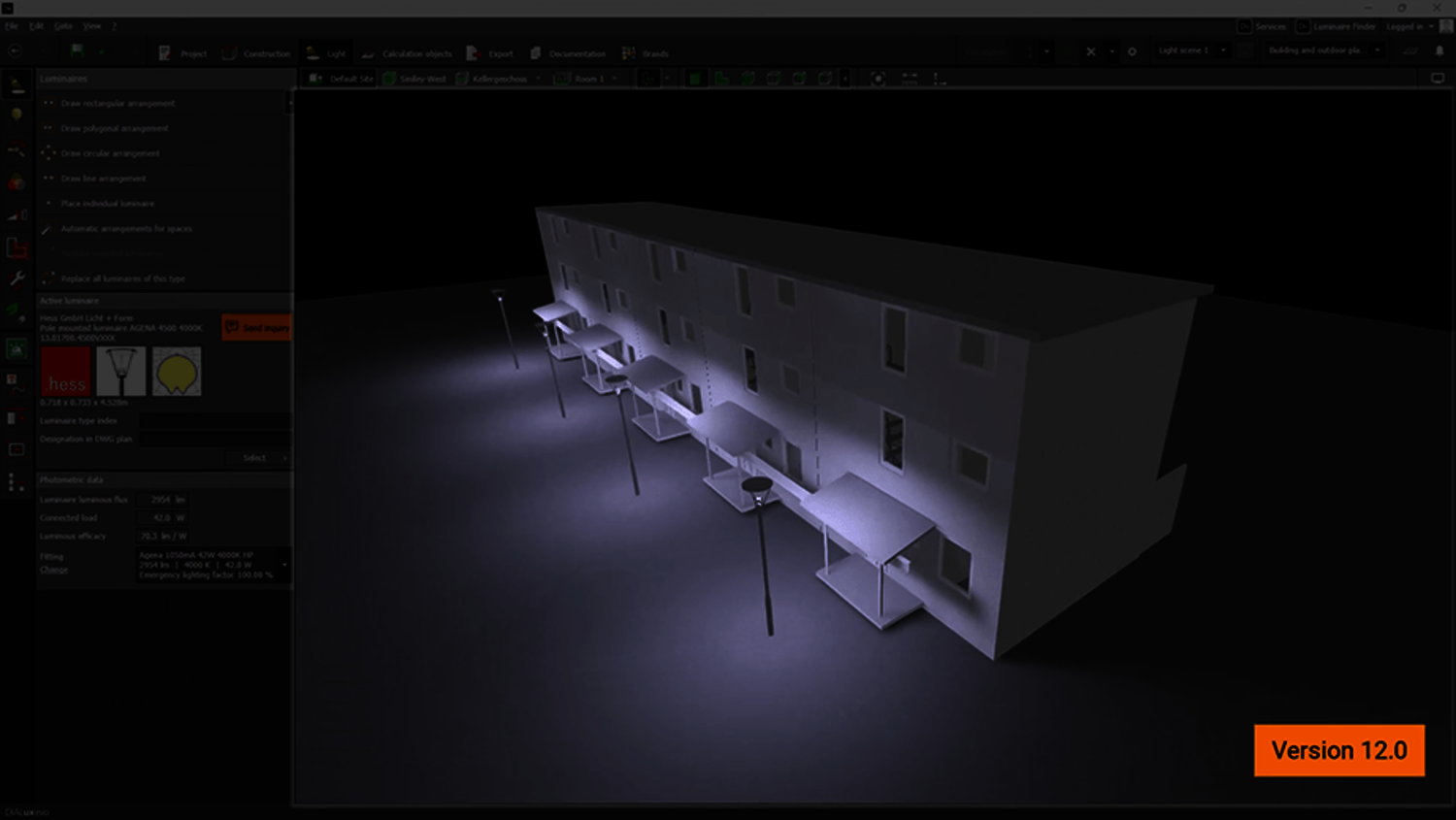
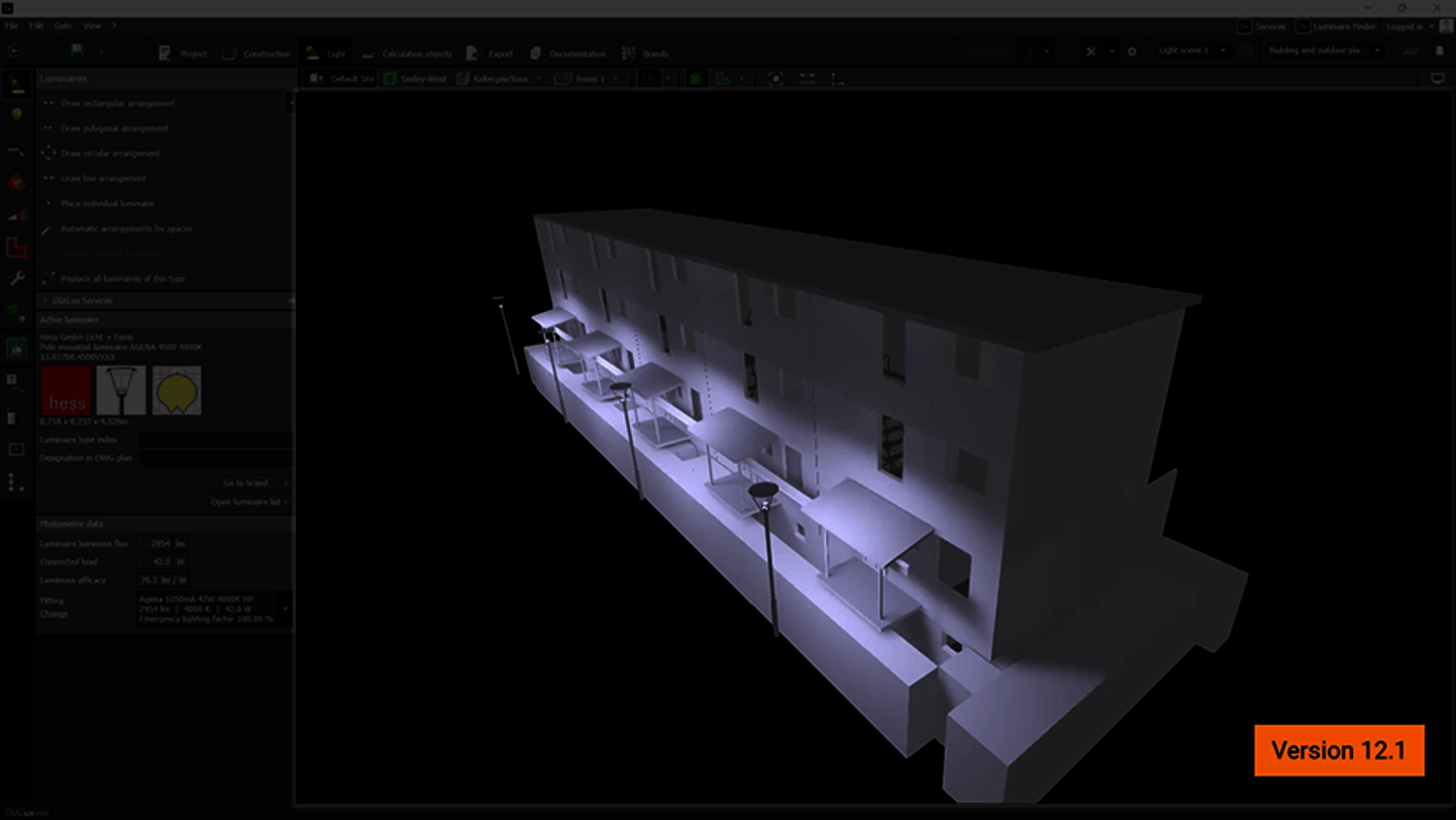
Roof surface integrity
An issue with IFC models causing working planes or spaces to protrude from the roof structure has been addressed. This refinement eliminates the occurrence of black roof surfaces after a daylight calculation, ensuring a visually accurate representation.
DIALux now reads all GlobalIDsfrom the imported model during IFC import and seamlessly transfers them to its own system. This allows unique GlobalIDs to be assigned to new luminaires, maintaining consistency across multiple IFC exports.
Bugfixes
Further enhancements and optimizations
- Due to missing Windows components on some systems, DIALux crashed at startup. An important process for DIALux could not be loaded as a result. DIALux no longer uses the potentially missing component.
- In some cases, projects could no longer be loaded due to missing information in the project file. This is now prevented by a repair function when loading.
- Improved performance when switching between views in large projects. A view-related energy calculation runs in the background when switching between views. The runtime behaviour of this calculation has been improved.
- Fixed long waiting time when opening the luminaire list for the first time. This is now much faster again.
- When copying along a line, too few copies were sometimes inserted. We had discovered a rounding error and fixed it.
- Fixed an issue with Snap when drawing polygonal guides in the side views.
- The pollution category in the room profile is adopted correctly.
- Unexpected patches of light in the 3D visualisation reduced. One room was illuminated, the neighbouring room was not. In the unlit room, some of the light (where the floor and wall come together) came through.
- Textures no longer moved after copying, loading or saving.
- It sometimes happened that textures were black on surfaces. This error occurred because the textures were too large. To solve the problem, DIALux now downscales such textures.
- Problems with missing GR results in the documentation solved.
- In the light scene summary, energy results are correctly documented for all light scenes. Not only in the summary for the standard light scene.
- Maintenance factors for STF import: During STF import, the absolute maintenance factor is always adopted if defined. If no absolute maintenance factor is defined, DIALux uses the maintenance method selected in the standards as a fallback.
- Several translations corrected