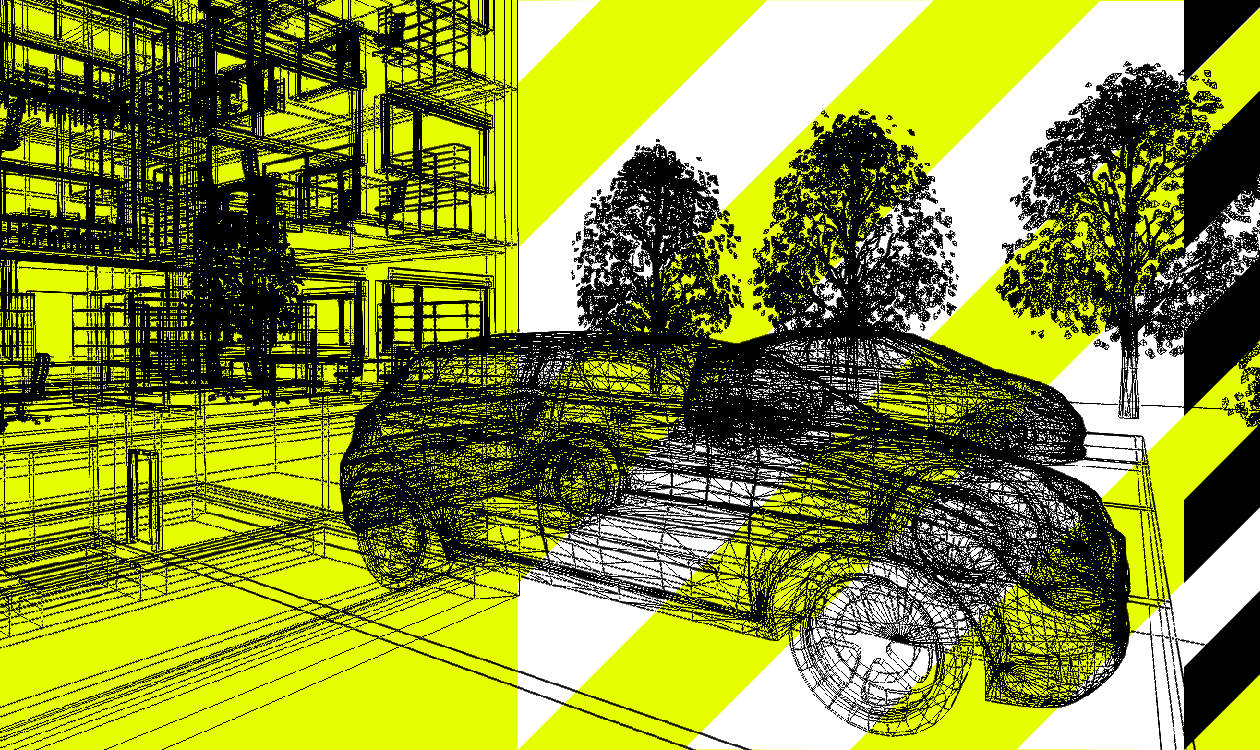

Whether you're furnishing an office, adding trees to an outdoor scene or placing cars in a car park, 3D objects help bring your lighting design to life. They make your projects more realistic and help you visualise the spaces you're designing.
But a good 3D model is about more than appearance. Its geometry also affects how light interacts with objects, where it is blocked, how it is reflected and how it spreads through a scene.
With DIALux evo 14.1, we've changed the way 3D models are imported. The update reduces unnecessary geometry, improves performance and makes it easier to identify potential issues with your models.
Here's what has changed and what you should look out for when choosing 3D objects for your projects.
What makes a good 3D model?
A 3D model usually consists of many small triangles. Each one has a defined orientation. This determines which side is considered the outside. For DIALux to display the model correctly and take it into account in the lighting calculation, these faces must be oriented correctly.
Imagine, for example, a car model in your outdoor design. If the faces of the car body point outwards as intended, the body appears closed. If individual triangles are reversed, you are looking at their back faces in those areas. As DIALux hides these back faces, the car body is transparent in those places.
Hiding these faces is helpful in other situations: for example, it allows you to look into a room from the outside without a wall blocking your view. For a closed object, however, the faces should point outwards consistently.
Why we've changed the 3D import process
Up to and including DIALux evo 14.0, a duplicate was added for each triangle during import as a counterpart with the correct orientation. This made the faces visible from both sides, even if their orientation in the original model was incorrect.
Although this automatic addition concealed some inconsistencies, it also doubled the number of triangles. This made the 3D scene more complex and the project files larger. The duplicate faces could also affect the lighting calculation, for example by partially blocking light rays at glass surfaces, because it matters during the calculation whether light rays hit the front or back of a face. Difficulties could also arise when positioning luminaires and furniture.
Since DIALux evo 14.1, we therefore no longer add additional triangles automatically. This preserves the model unchanged during import and avoids unnecessarily increasing its size.
Making model quality easier to assess
Importing models without modifications now makes it easier for you to spot incorrect face orientations. Individual areas may, for example, appear transparent or unusually dark.
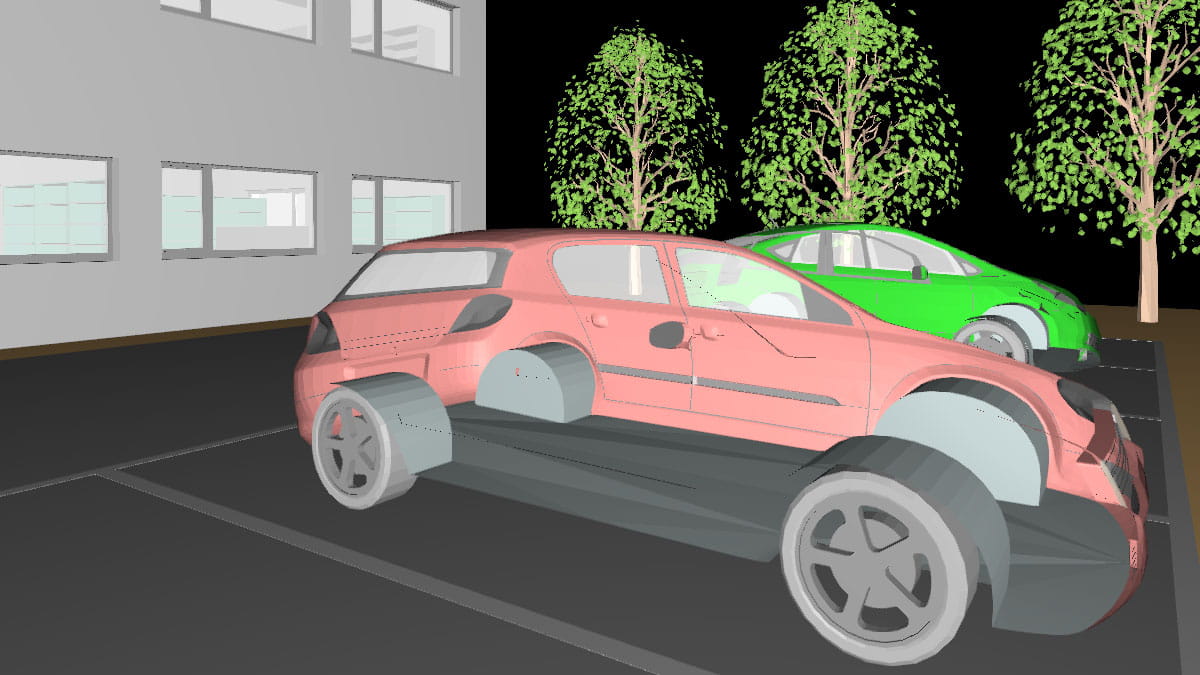
This is a useful indication for your design: the orientation affects not only how the model is displayed, but also the lighting calculation. If an object is not recognised as a closed volume, light can enter through areas that should actually be closed. Reflections in its surroundings can also be affected.
For example, a piece of furniture is intended to block light in your design. For this to be taken into account correctly, its faces must also represent the intended shape correctly in geometric terms. It is therefore worth taking a closer look when selecting models.
How to choose suitable 3D models
Where possible, use high-quality 3D models from reliable sources. If an object appears to have gaps after import, you can replace it with a suitable model.
If you want to continue using a particular object, its face orientation can be checked and corrected in many 3D modelling programs. You can then import the revised model into DIALux again.
This does not affect just one particular file format. Experience shows that incorrectly oriented faces are more common in 3DS models, but they can occur in any triangle-based format, including IFC models.
Coming soon: Over 250 new 3D objects for DIALux
To give you even more options for your projects, we are also working on expanding the DIALux object database with more than 250 new 3D objects. These include furniture, various trees, façade elements and cars.
Would you like to furnish an interior, add elements to a façade or depict an outdoor area with trees and parked vehicles? You’ll soon have more options available directly in DIALux.
The new collection has been created specifically for DIALux by Sumaiya Eliyaz, DIALux trainer and lighting designer. We’ll let you know in time when they will be available in the object database.
