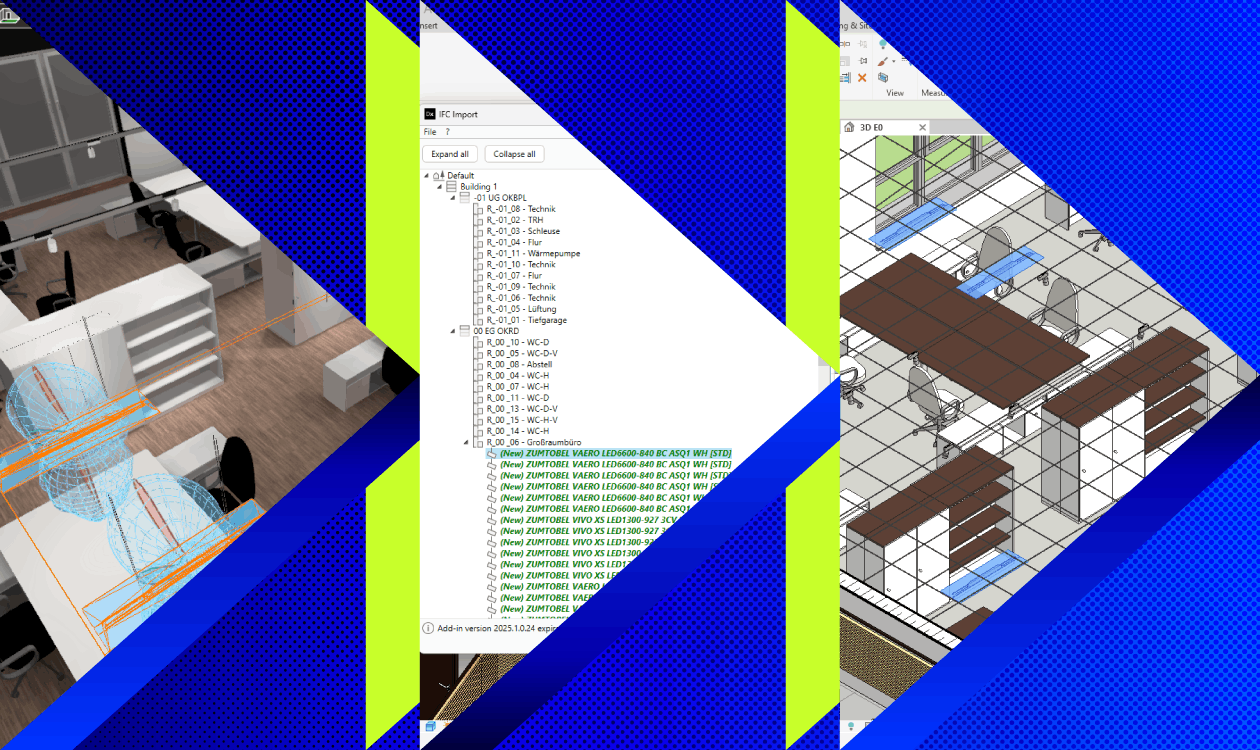

For the first time, DIALux and Autodesk Revit can exchange lighting data in both directions. With the new DIALux Bridge for Revit plug-in, you can transfer your complete lighting model directly from DIALux to Revit via IFC. Luminaires, positions, orientations and all relevant luminaire information are transferred automatically.
The workflow has been designed to be as straightforward as possible: load the IFC file using the plug-in, view a clearly structured overview of the entire building and room hierarchy, and then import all luminaires directly into your Revit model.
The workflow also works in the opposite direction. Simply export the updated Revit model as an IFC file and import it back into DIALux. This completes the BIM round trip and allows you to continue working seamlessly in both applications.
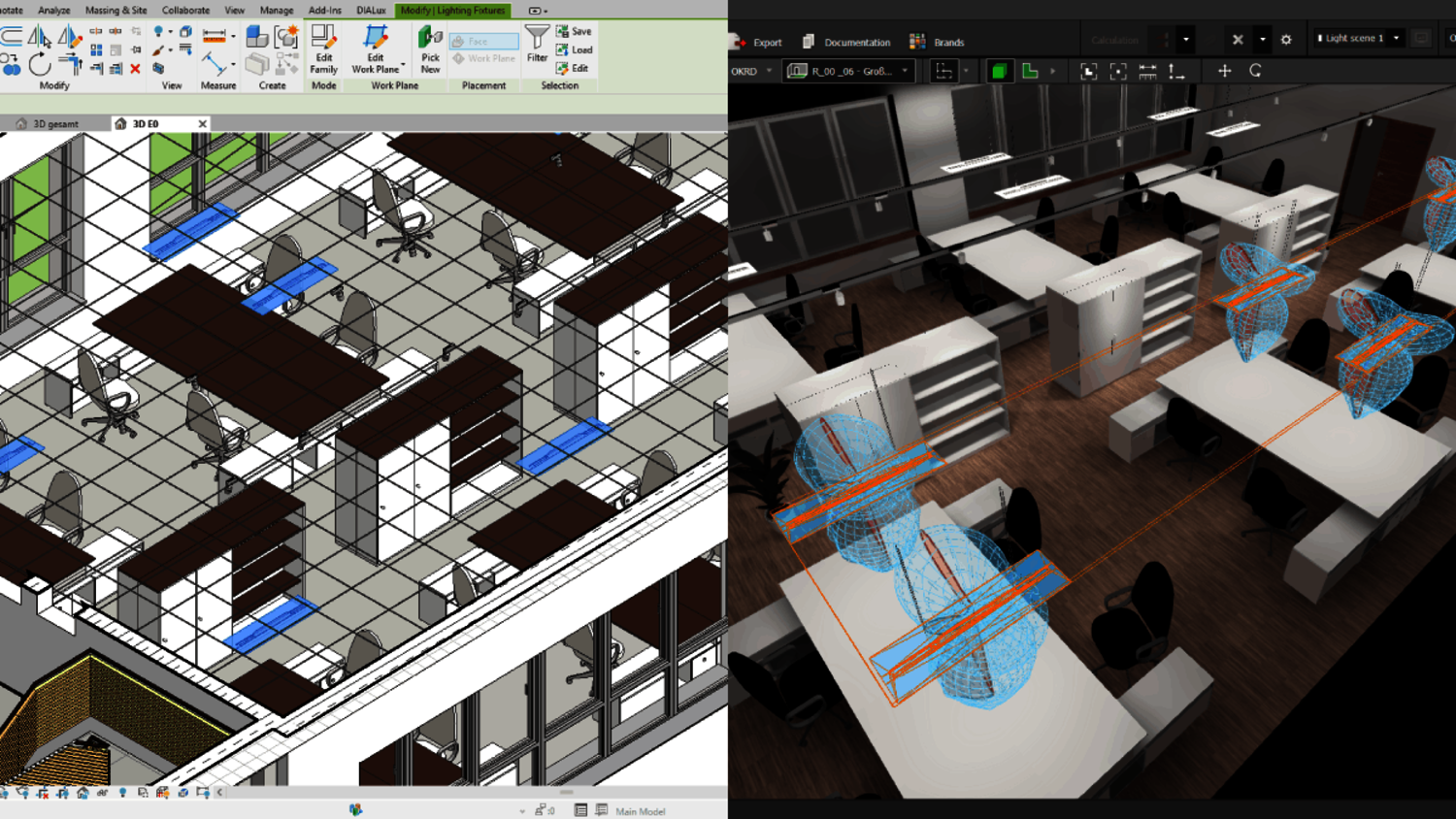
During import, DIALux Bridge for Revit automatically creates the appropriate Revit families for you. These are based on the international ANSI/IES TM-32-24 standard.
The 27 mandatory parameters are created automatically and populated with the corresponding luminaire data from DIALux. This means there is no need to create the families manually or transfer the information parameter by parameter.
During import, you can also decide whether luminaires should be hosted to building surfaces, such as a suspended ceiling. When a luminaire is hosted in this way, it automatically follows changes to the architectural model.
Alternatively, luminaires can be positioned independently or rotated afterwards while retaining their absolute position within the space.
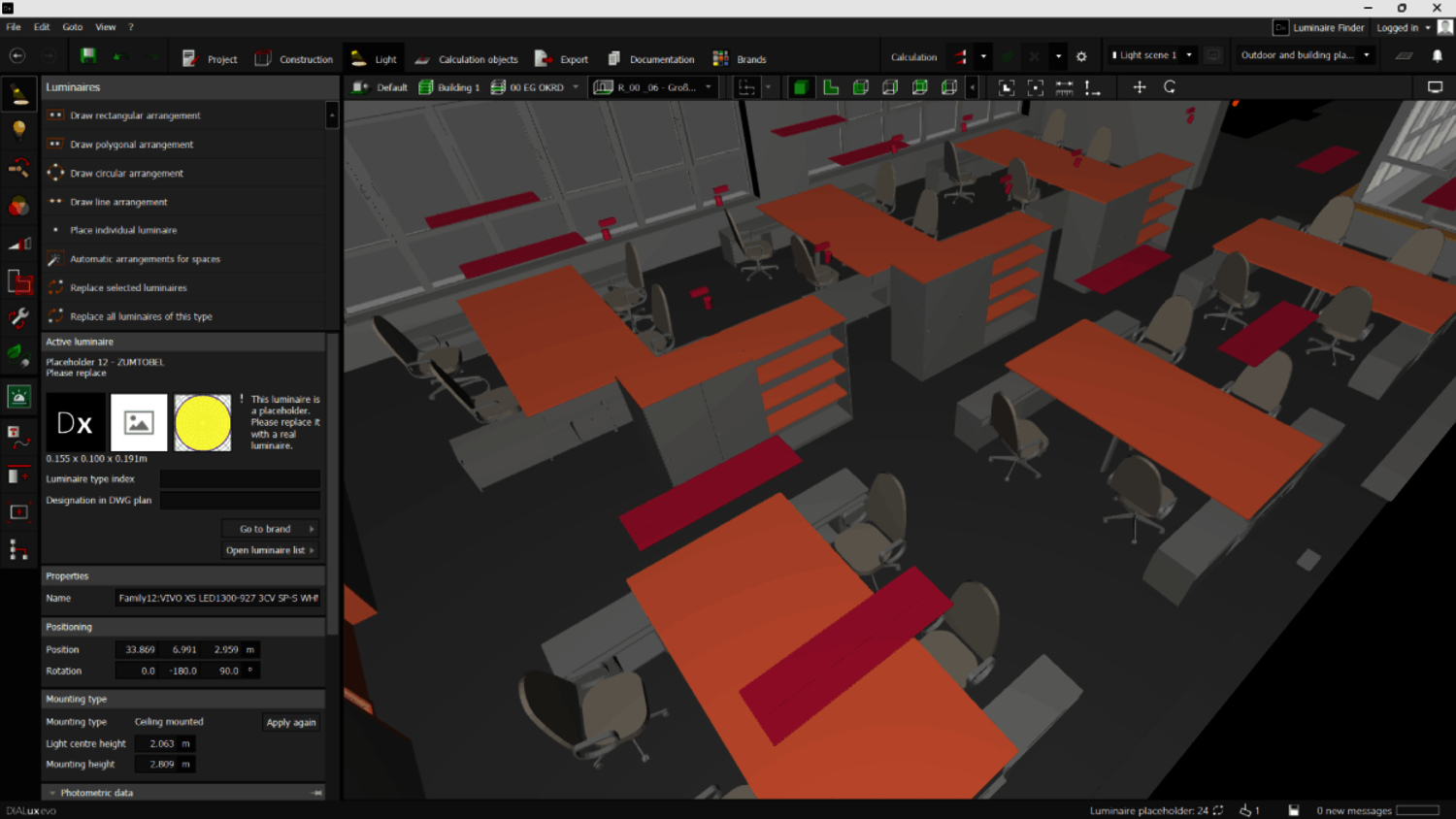
Have you already placed luminaires in Revit? You can easily bring this preliminary lighting layout into DIALux as well.
During import, existing luminaires are initially displayed as clearly identified placeholder luminaires. You can then replace them in just a few clicks with actual luminaires from the DIALux luminaire list and continue your lighting design directly in DIALux.
DIALux Bridge for Revit is included with DIALux Pro and is available to all Pro subscribers at no additional cost. Autodesk Revit 2025 is also required to use DIALux Bridge.
You can download the DIALux Bridge for Revit setup here.
